School ID Card Software: एक बार design। पूरी class print।
Studio में अपना card बनाइए। Photo और details हर student के record से आते हैं, हर card पर एक QR जिसे कोई भी check कर सके, और पूरी class एक बार में print — English या हिंदी में।
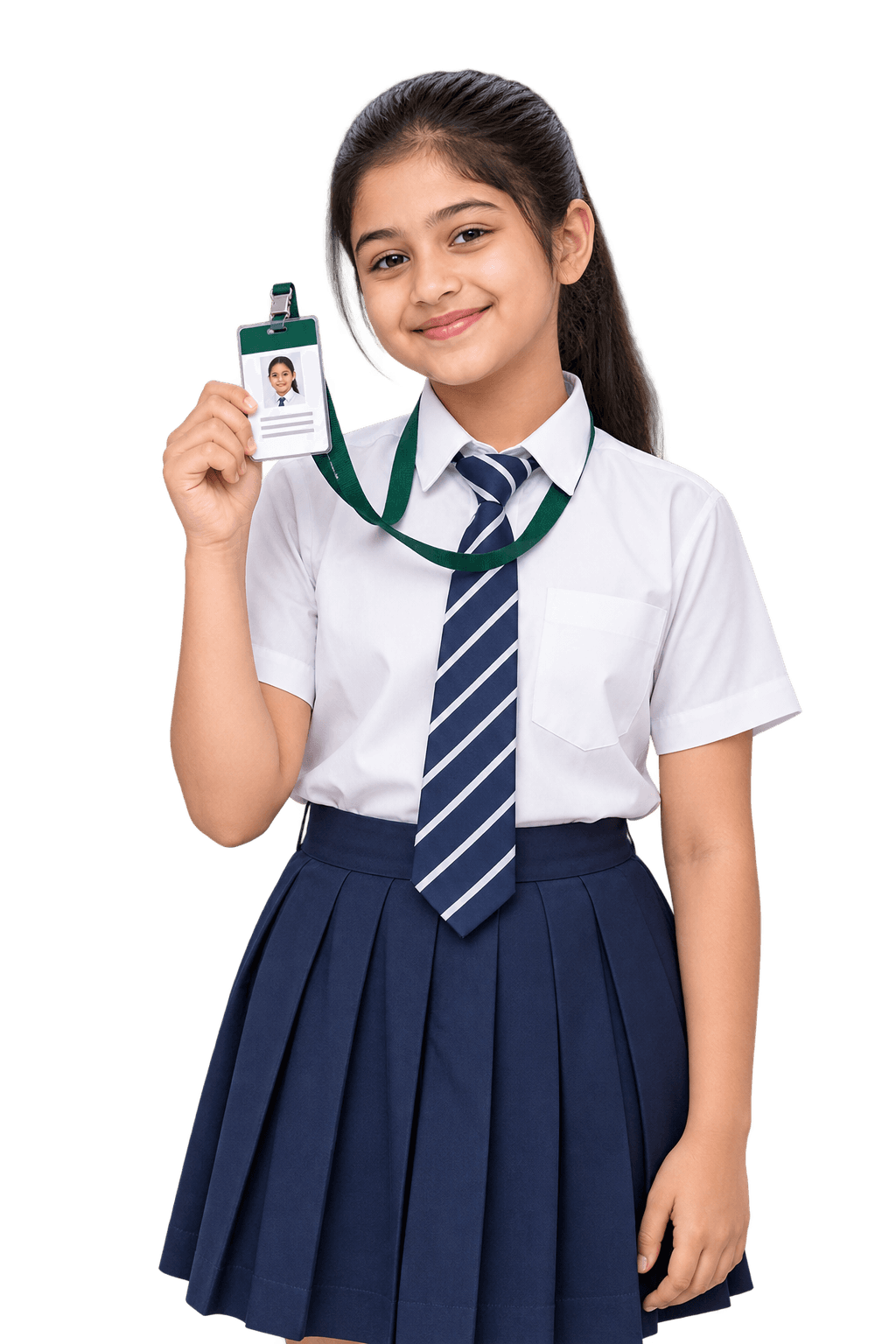 QR verifiedअसली · valid31 Mar 2027 तक validSession 2026-27उसके record सेPhoto, class, blood group
School ID card software क्या है?
हर card, record से।
School ID card software school के अपने records से student और staff के ID cards design और print करता है — न नाम दोबारा type करने, न photos फिर से इकट्ठा करने। Inkwelly में आप card एक बार design करते हैं, photo और details हर profile से भरते हैं, हर card पर एक QR code जिसे scan करके कोई भी असली होना check कर सके, और पूरी class एक PDF या A4 sheets पर print होती है।
इसे ID card generator, ID card maker या student ID card management system भी कहते हैं।

- DesignSchool का card · CR80 portrait
- Photoउसकी profile से
- छपी detailsClass, roll, blood group, bus
- QR codeOnline verify · कोई personal data नहीं
- Print की भाषाEnglish या हिंदी
- StatusCollected · 31 Mar 2027 तक valid
Inkwelly ID Cards में क्या-क्या है
- Card studio: text, fields, photo, images, QR code, barcode और shapes — आगे और पीछे
- CR80, CR79, square और wide badge sizes — portrait या landscape, या custom size
- Students और staff के लिए 12 ready designs, clone करके बदलें
- Photo और details हर student या staff की profile से
- Print से पहले missing photos और नामों का readiness check
- Class, सारा staff या चुने हुए लोग — एक PDF, ZIP या crop marks वाली A4 sheets
- हर run की print भाषा: English या हिंदी, हिंदी labels पहले से
- हर card पर QR जो public verify page खोलता है — QR में कोई personal data नहीं
- खोए cards block और reissue; पुराना QR बंद
- Session के अंत तक valid cards
- Aadhaar कभी print नहीं हो सकता
- Card तैयार होने पर parents को WhatsApp message
- Staff app: print runs, readiness, collected, block, reissue और QR scan
अपडेट किया गया
Schools हाथ से ID cards type करना क्यों छोड़ रहे हैं
Pen drive। Typo। Reprint। या एक print run।
ज़्यादातर schools हर साल photos और Excel sheet vendor को भेजते हैं। Inkwelly उन्हीं records से print करता है जो आप पहले से रखते हैं।
आज ज़्यादातर schools में

 Neha 6B
 Yash 6B
 Tanya 6B
 Aditya ?
Photos के पीछे भागना। नाम फिर से type। ग़लतियाँ बाद में पता चलना।
- Photos pen drive और WhatsApp पर, हाथ से rename
- नाम और class vendor की Excel में फिर से type
- Spelling की ग़लतियाँ cards वापस आने पर ही पता चलती हैं
- Card खोया तो नया order और लंबा इंतज़ार
- कोई भी आपके जैसा दिखने वाला card print कर सकता है
Inkwelly के साथ
 Green Valley Public SchoolSector 30, Noida
Record से print। पहले जाँच। कोई भी verify कर सके।
- Photos सीधे हर student की profile से
- नाम, class और blood group record से print — कोई typing नहीं
- Print से पहले readiness check बताता है किसकी photo नहीं है
- खोया card block और reissue — पुराना QR काम करना बंद
- हर card का QR बताता है कि वो असली है और अभी valid है
ID card designer: अपना card, आगे-पीछे, English या हिंदी में
एक बार design करें। हिंदी में भी print।
Ready design से या खाली card से शुरू करें। Photo, नाम, class, blood group, bus route, QR और barcode लगाएँ — हर field record से भरता है। Print करते समय English या हिंदी चुनें।
हर print run के लिए चुनी जाती है। जिसका हिंदी अनुवाद record में नहीं है, वो English में छपता है।
- 1Fields लगाएँ
- 2पीछे पलटें
- 3Print की भाषा चुनें
नमूना card। Photo और details student की profile से आते हैं।
पूरी class के ID cards print करें — readiness check के साथ
Check। Generate। पूरी class print।
Class चुनें। Inkwelly पहले जाँचता है कि हर बच्चे की photo और नाम है, फिर background में cards बनाता है — एक PDF, एक ZIP, या crop marks वाली A4 sheets।


- 1हर बच्चे की जाँच
- 2Format चुनें
- 3Class print करें
नमूना class। A4 sheets पर cards का आगे का हिस्सा छपता है; single PDF और ZIP में दोनों sides।
हर school ID card के लिए QR code verification
QR scan करें। जानें कि असली है।
कोई भी — gatekeeper, exam hall, visitor desk — phone camera से card scan कर सकता है। Page बताता है कि card असली है और अभी valid है, और photo, जन्म तिथि या पता कभी नहीं दिखाता।
 app.inkwelly.com
 inkwelly
- 1किसी भी phone से scan
- 2असली, और valid
- 3खोया? Block और reissue
- 4पुराना card बंद
नमूना card। QR में सिर्फ़ एक link है — न नाम, न number, न photo।
Students और staff के लिए 12 ready ID card designs
Design से शुरू करें। उसे अपना बनाएँ।
Students के लिए सात और staff के लिए पाँच designs — classic से board-formal तक। एक clone करें, कुछ भी बदलें, publish करें।


Clone करें और बदलें
कोई भी element हटाएँ, बदलें या छिपाएँ। लंबे नाम card में फ़िट होने के लिए छोटे हो जाते हैं।
Draft, published, archived
सिर्फ़ published designs print होते हैं। पिछले session का design नए session में चला आता है।
Design एक file है
Design export करें — images के साथ या बिना — और किसी दूसरे school में import करें।
School ID card की ज़िंदगी — design से session के अंत तक
Card जो जानता है कब तक चलना है।
हर card print होने के दिन से track होता है — collected, खोया, block, reissue — और session ख़त्म होते ही valid नहीं रहता।
- Jun 2026Draft
Design
Ready design से या खाली card से शुरू करें। कोई भी size, आगे और पीछे।
- Jun 2026Published
Publish
Publish करें, और print के लिए तैयार — इस session भी, अगले भी।
- 2 Jul 20266-B · 42 बने
Class print
एक class, सारा staff या चुने हुए लोग। तैयार होते ही parents को WhatsApp पर ख़बर।
- 4 Jul 2026Collected
Collected
Cards एक-एक करके या पूरी class एक साथ collected मार्क करें।
- 16 Oct 2026STU-202627-00431
खोया, फिर reissue
खोए card को reason के साथ block करें, फिर नया number और QR reissue करें। पुराना QR काम करना बंद।
- आज · 16 Oct
- 31 Mar 2027Session के अंत तक valid
Session ख़त्म
Session के बाद QR expired दिखाता है। नए session में नए cards print होते हैं।
भारतीय schools के लिए हिंदी printing, Aadhaar-safe cards और blood group
भारतीय schools के लिए बना। उनके ID cards के लिए भी।
भारतीय school ID cards पर जो details होती हैं — और वो एक जो कभी नहीं होनी चाहिए।
हिंदी में print
Print run के लिए हिंदी चुनें: नाम, class, पता, route और तारीख़ें हिंदी में छपती हैं जहाँ अनुवाद saved है; रक्त समूह जैसे labels पहले से मौजूद।
Aadhaar कभी नहीं छपता
Aadhaar का कोई field नहीं, कोशिश करने वाले designs reject होते हैं, और 12 अंकों के numbers हटा दिए जाते हैं — card से Aadhaar leak नहीं हो सकता।
Card पर blood group
A+, O− वग़ैरह, सीधे student के record से — जैसे भारतीय ID cards पर लिखा जाता है।
Bus route, stop और seat
Transport details बच्चे के bus assignment से छपती हैं, ताकि bus staff एक नज़र में जान ले।
Session ख़त्म होने तक valid
हर card session के अंत तक valid रहता है। उसके बाद उसका QR expired दिखाता है।
“If found” हिंदी में भी
Ready designs के पीछे “If found, please return to the school office” — और मिलने पर कृपया विद्यालय कार्यालय में जमा करें।
Office, principal, staff और parents के लिए ID cards
एक card। हर किसी का काम पूरा।
हर किसी को उतना ही दिखता है जितना उसका role allow करे।
Office
Card design करता है, देखता है कौन तैयार है, class print करता है, और खोया card block या reissue करता है।
Principal
Class-by-class देखते हैं किसके पास card है, किसके पास नहीं, और किसने अभी collect नहीं किया।
App पर staff
Class का print run शुरू करें, readiness देखें, card scan करके verify करें और cards collected मार्क करें।
Parents
बच्चे का card collect करने के लिए तैयार होते ही WhatsApp पर ख़बर — English या हिंदी में।
ID cards के बारे में Inkwelly AI से पूछें — English या हिंदी में
ID cards के बारे में पूछें। List पाएँ।
English, हिंदी या Hinglish में पूछें। Inkwelly AI आपके ID cards पढ़ता है — किसके पास card है, कौन तैयार नहीं, किसी भी card का status — और नाम व numbers के साथ जवाब देता है, या Excel बना देता है।


जवाब देता है। Paperwork भी करता है।
- पहचान
कौन print के लिए तैयार नहीं।
Print run से पहले class की जाँच करता है — missing photos, missing नाम, और किसके पास पहले से card है।
- Reports
Excel या PDF, seconds में।
कोई भी list या summary माँगें और file download करें।
- Cards
बच्चे का card, chat में।
Card number, status और validity — card के button के साथ।
- Letters
Parents को notice, आपके letterhead पर।
Notice draft करता है। आप जाँचें, फिर serial number के साथ PDF issue।
- कैसे करें
“खोया card reissue कैसे करें?”
किसी भी काम के साफ़ steps, सही page के button के साथ।
- पूरी तरह सुरक्षित
आपका data, आपके नियम।
हर बदलाव आप approve करते हैंहर व्यक्ति के role के हिसाब सेहर सवाल और काम का logAI training में कभी इस्तेमाल नहीं - AI Connect
Claude और ChatGPT में भी।
Claude या ChatGPT के अंदर ही ID cards के बारे में पूछें — वही permissions।


Inkwelly AI क्या-क्या कर सकता है, देखें
Inkwelly AI और AI Connect Premium plan में आते हैं। Inkwelly AI ID cards पढ़ता है; design और print आपका staff करता है। ऊपर के जवाब एक sample school के हैं।
Student, staff और transport records से जुड़े ID cards
एक बार type। सही print।
हर card वही records पढ़ता है जो school पहले से रखता है — तो नया phone number या bus stop अगले card पर बिना दोबारा type किए सही छपता है।
ID card
एक design, हर holder की अपनी details — और एक QR जिसे कोई भी verify कर सके।
Students
Photo, नाम, class और blood group record से।Staff Records
Staff cards staff record से print।Transport
Bus route, stop और seat card पर।Communications
Card तैयार होते ही parents को WhatsApp।Admissions
आज admission हुआ बच्चा आज ही card पा सकता है।Academics
Classes और sections से हर print run तय।Roles & permissions
कौन design, print और block करे — role से तय।AI Connect
Claude या ChatGPT में ID cards के बारे में पूछें।School ID card software: schools के सवाल।
School ID card software school के अपने records से student और staff के ID cards design और print करता है। Inkwelly में आप card एक बार design करते हैं, photo और details हर profile से भरती हैं, हर card पर एक QR code होता है जिसे scan करके कोई भी असली होना check कर सकता है, और पूरी class एक PDF या A4 sheets पर print होती है।
हाँ। Studio में अपना card बनाइए — text, fields, photo, logo और principal के signature जैसी images, QR code, barcode और shapes, आगे और पीछे — या 12 ready designs में से किसी से शुरू करके कुछ भी बदलिए।
Standard CR80 card (85.6 × 54 mm), CR79, 70 mm square और 102 × 76 mm wide badge — portrait या landscape में — या custom size, अपने corner radius के साथ।
नहीं। Card का हर field student या staff की profile से भरता है, और photos भी profile से आती हैं। Profile update करें, और अगला card नई details के साथ छपेगा।
Print से पहले readiness check हर उस बच्चे की list देता है जिसकी photo या नाम नहीं है। बच्चे की profile में photo डालें और re-check करें। Design में photo की जगह silhouette, initials या खाली box भी दिखा सकते हैं।
हर card के QR में सिर्फ़ एक random token वाला link होता है — कोई personal data नहीं। किसी भी phone से scan करने पर एक public page खुलता है जो बताता है card असली है और अभी valid है, holder के नाम, class, card number और valid-until तारीख़ के साथ। Photo, जन्म तिथि या पता कभी नहीं दिखाता।
हाँ। Run के लिए print की भाषा हिंदी चुनें: नाम, class, पता, bus route और तारीख़ें हिंदी में छपती हैं जहाँ हिंदी saved है, और कक्षा व रक्त समूह जैसे labels पहले से मौजूद हैं। जिसका अनुवाद नहीं, वो English में छपता है।
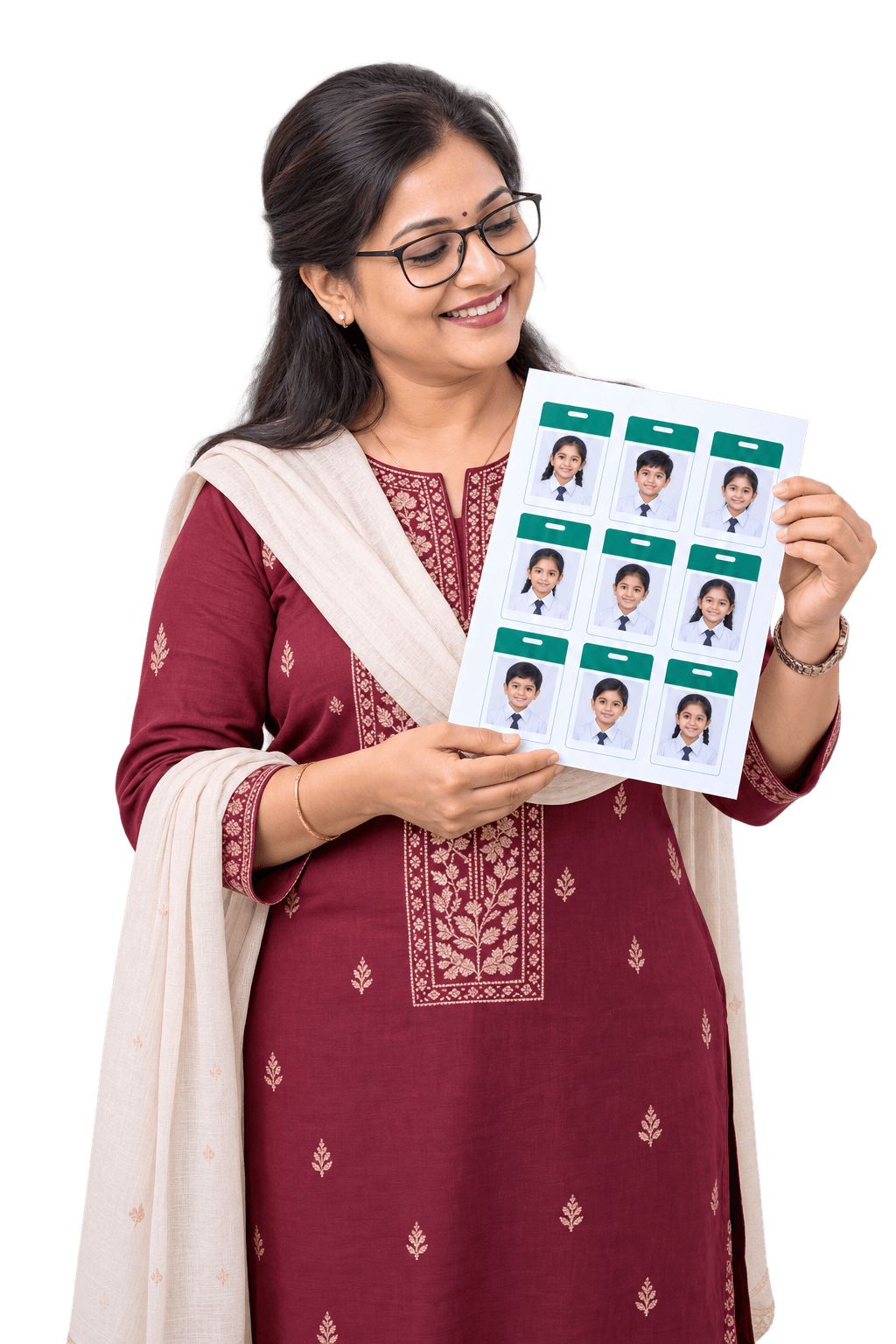
एक print-ready PDF जिसमें हर card अपने सही size में, पहले आगे फिर पीछे; एक ZIP जिसमें हर card की अलग PDF; या crop marks वाली A4 sheets पर cards के आगे के हिस्से — एक page पर नौ portrait या आठ landscape CR80 cards।
हाँ। एक class (या section), सारा staff, या चुने हुए लोग चुनें। Cards background में बनते हैं और तैयार होने पर file download करें। जिसके पास पहले से valid card है, वो छोड़ दिया जाता है।
हाँ। Staff cards के अपने designs हैं — staff record से department, employee ID, blood group और photo के साथ। सारे staff के एक साथ या चुने हुए लोगों के print करें।
खोए card को reason के साथ block करें, फिर reissue करें: नए card को नया number और QR मिलता है, उसी print भाषा में। पुराने card का QR scan करने पर दिखता है कि वो अब valid नहीं है।
Session के अंत तक। उसके बाद card का QR expired दिखाता है, और नए session में नए cards print होते हैं।
कभी नहीं। Aadhaar का कोई field नहीं है, जो design इसे जोड़ने की कोशिश करे वो reject होता है, और print से पहले कोई भी 12 अंकों का number हटा दिया जाता है।
हाँ। Cards एक-एक करके या bulk में collected मार्क करें, और हर class के लिए देखें कितने बच्चे enrolled हैं, कितनों के पास card है, कितनों के पास नहीं, और कितनों ने collect किया।
हाँ, Inkwelly staff app में: class या सारे staff का print run शुरू करें, readiness देखें, file download करें, cards collected मार्क करें, card block या reissue करें, और card का QR scan करके verify करें। Card का design web पर होता है।
हाँ। बच्चे का card बनते ही parents को English या हिंदी में WhatsApp message जाता है — card number और कब तक valid है, और school office से collect करने को कहा जाता है।
अभी नहीं। Inkwelly verify होने वाले QR के साथ printed cards बनाता है; card collect करने के लिए तैयार होने पर parents को WhatsApp पर ख़बर मिलती है।
हो सकता है। किसी भी design में CODE128 या CODE39 barcode जोड़ें — ready designs के पीछे card number के साथ एक barcode होता है।
हाँ, Inkwelly AI वाले plans में। “kitne bachchon ke card nahi bane?”, “6-B में कौन print के लिए तैयार नहीं?” या कोई card number valid है या नहीं — English, हिंदी या Hinglish में पूछें। AI ID cards पढ़ता है; design और print आपका staff करता है।
आपका data भारत में रहता है, रोज़ database backup और हर screen पर role के हिसाब से access के साथ। Card के QR में कोई personal data नहीं होता, और public verify page सिर्फ़ नाम, class, card number और validity दिखाता है।
ID Cards हर plan में है — Lite से, ₹49 प्रति student प्रति साल (GST अलग)। Plans ₹49–₹199 प्रति student प्रति साल हैं, और migration, training और setup ₹0।
अपने ID cards देखें Inkwelly में।
असली product पर 30 मिनट का free demo। जो भी पूछना हो पूछें — हम live दिखाएँगे।