Switch your school ERP mid-session without breaking the year
Schools believe they must wait for April to change software. They don't. Migrate the fee ledger as opening balances, freeze the old system on a cut-off date, issue the rest of the session from the new one, and run both parent apps for two weeks. Here is the 14-day plan, the data checklist, the parent script and the risks.
It is October in a 900-student school in Kanpur. The fee counter still runs on the system the school signed up for two Aprils ago, receipts print from one machine, the parent app has 40% of families on it, and WhatsApp reminders go out from the accountant's own phone. The principal knows the school should switch. The management's answer is the one every school gives: "After the session ends. April." That is six more months of the same problem, one more annual examination on the old report-card format, and — because everyone says April — a queue of other schools trying to migrate in the same three weeks. Waiting for April to switch school ERP is a habit, not a rule.
Why switching school ERP mid-session is safe
A school year is not one continuous ledger that breaks if you move it. It is a set of per-student balances, a set of invoices still to be raised, and a set of records that have already happened. Migrate the balances as opening balances on a cut-off date, freeze the old system that day, raise the rest of the year's invoices from the new one, and import what already happened as history. Done in that order, a mid-session switch takes about two weeks of calendar time, a few hours of the office's attention, and no parent sees a gap.
What a mid-session switch actually requires
Every successful mid-year migration we have seen — from Entab, Edunext, Fedena, Edumarshal, MyClassboard, Teachmint or a set of spreadsheets — rests on the same five moves. Skip one and the year does break; keep all five and it does not.
- Migrate the fee ledger as opening balances per student, not as transactions. For each student, agree three numbers as at the cut-off date: total billed this session, total paid, and balance due (split by fee head where concessions differ). The new system starts each ledger from that balance. Old receipts stay in the old system as the audit trail.
- Freeze the old system on a single cut-off date. Usually the last day of a month. After that date nobody collects a rupee or marks attendance in the old system; it stays readable for reference only. Two systems both accepting payments for even one day is how a school ends up with a receipt it cannot explain.
- Re-issue the remaining invoices of the session from the new system. If your fee is quarterly and the switch is in October, the December and March instalments are raised fresh in the new system with the correct due dates, late-fee rules and concessions. Nothing already paid is re-raised.
- Import attendance back to a start date. Bring the current session's daily attendance across from 1 April so that the annual percentage, the 75% eligibility check and the monthly register are all produced by one system. If the old system cannot export it, import from the class registers month by month.
- Run both parent apps for two weeks. Keep the old app or group live, announce the new one, and send every notice through both for 14 days. On day 15 the old channel carries one message: "This channel is now closed."
The mid-year migration data checklist
This is what to ask your office to prepare, in the order it is needed. Most of it exists already; the work is checking it, not creating it.
- Student master. Admission number, name, class and section, date of birth, gender, category, both parents' names and mobile numbers, address, photo. One row per student, one sheet per class — and remove students who left but were never marked inactive.
- Fee structure for the current session. Every fee head by class, the instalment pattern, due dates, late-fee rule and any transport or hostel fee by route or room.
- Fee ledger with paid and unpaid amounts. Per student as at the cut-off: billed, paid, due — by head. Reconcile this against the bank and the cash book before handing it over, because the migration will surface every discrepancy the old system hid.
- Concessions and scholarships as rules. Sibling, staff ward, merit, RTE, management discretion — the type and the percentage or amount per student, so the new system applies them to the invoices it raises next, not as one-off adjustments.
- Transport assignments. Route, stop, vehicle and fee per student; retire routes that no longer run.
- Attendance from session start. Daily marks per student from 1 April to the cut-off, or month-wise totals if that is all that exists.
- Exam marks of completed terms. Every assessment already conducted this session — marks and grades per subject — so the annual report card prints from one place.
- Staff master and leave balances. Employees, designations, salary structure and leave taken to date if payroll moves too.
- Series numbers. The last receipt number, the last TC number and the last admission number issued, so the new system continues the sequence rather than restarting it.
The 14-day plan to switch school ERP mid-session
The calendar below assumes the new vendor does the extraction and cleaning, which is what a school should expect. Your office's total time across the fortnight is about two working days, spread thin.
- Day 1 — Fix the cut-off date and the go-live date. The last day of the month is the cut-off; the first working day after it is go-live. Tell the current vendor in writing that you need a full export by day 5.
- Day 2 — Hand over the raw data. Spreadsheets, module exports, a photo of the fee register if that is all there is. Do not tidy it first; the cleaning is the new vendor's job and tidied sheets lose the clues.
- Day 3 — Reconcile the fee ledger. Accounts checks per-student balances against the bank statement and cash book. This is the longest task on your side and the one that finds the mistakes.
- Day 4 — Agree the concession rules. Every discount re-expressed as a rule (type, amount, who qualifies), signed off by the principal.
- Day 5 — Review the cleaned data. The vendor returns a short list of judgement calls — which duplicate sibling is real, which of two phone numbers is current — and the office answers them in an hour.
- Day 6 — Load the staged school. Students, parents, fee structure, opening balances, transport and completed-term marks go into a school you can log into and check, with nothing live yet.
- Day 7 — Office verification. The accountant opens 20 ledgers at random and matches them to the old system. The class teachers check their class lists. Anything wrong goes back.
- Day 8 — Send parent message one. Through the old app or group: the date, what changes, what does not, and the number to save. The script is below.
- Day 9 — Train the office and class teachers. One day on site: fee counter, receipts, attendance, notices. Teachers need 30 minutes each; the fee desk needs the full day.
- Day 10 — Raise the remaining invoices. The next instalment is generated in the new system, checked against five students by hand, then held for release on go-live.
- Day 11 — Cut-off day. Last collections in the old system. Close the day, take the final balance report, and lock the old system to read-only.
- Day 12 — Go-live. First working day of the month. Fee counter opens in the new system; the first receipt continues the old number series. Attendance marked in the new app from period one.
- Day 13 — Send parent message two. Through both channels: the new app is live, receipts now come on WhatsApp, and how to pay online.
- Day 14 — Review and close. Count receipts against cash, confirm every family received at least one message, and fix the handful of wrong numbers that surfaced. On day 15, retire the old channel.
What to tell parents, and when
Parents do not mind a change of software. They mind a surprise. Two messages, one before and one after, remove the surprise; the wording matters less than the timing and the fact that it comes from the school's own number.
The risks, and how to cover each one
Every mid-session switch has the same handful of failure points. None of them is a reason to wait; all of them are reasons to plan.
- Receipt-number continuity. Auditors and the income-tax department expect one unbroken series per session. Set the new system's first receipt number to the old system's last plus one, and note the changeover date in the cash book.
- TC and admission-number series. Same rule: continue the series, do not restart it. A transfer certificate numbered 1 in November invites questions at the next school.
- Partial payments and cheques in transit. A cheque received on the cut-off date but cleared after it must be recorded once. Decide before the cut-off which system owns it — the cleanest answer is the new one, entered on go-live with the cheque date.
- Concessions applied as adjustments. Old systems often hold a discount as a one-time edit rather than a rule. If it is not re-expressed as a rule, the next invoice bills the full amount and the parent calls the principal.
- Late-fee rules. Confirm the new system's late-fee rule, grace days and rounding produce the same number on the same overdue invoice as the old one did — test it on three real cases.
- RTE and scholarship students. Their ledgers show zero due but the reimbursement claim still needs the billed amount. Migrate the billed figure, not just the balance.
- Access to the old system. Keep read-only access for at least the rest of the session and the audit that follows. If the vendor will only give you an export, insist on it in a standard spreadsheet format before you stop paying.
What it costs to switch mid-session
Most school ERP vendors in India quote a separate implementation or data-migration charge, and most bill the licence per year from the date you sign rather than pro-rating it to the months left in the session. So ask two questions before comparing anything else: what does migration cost, and do I pay for the full year if I go live in November? A vendor that answers "₹0" to the first and "only the months you use" to the second has removed the two costs that make schools wait. Also ask what happens to the money you have already paid the current vendor for the remaining months; publicly, most contracts do not refund it, which is a sunk cost — not a reason to keep using a system that costs your office time every day.
Where Inkwelly fits
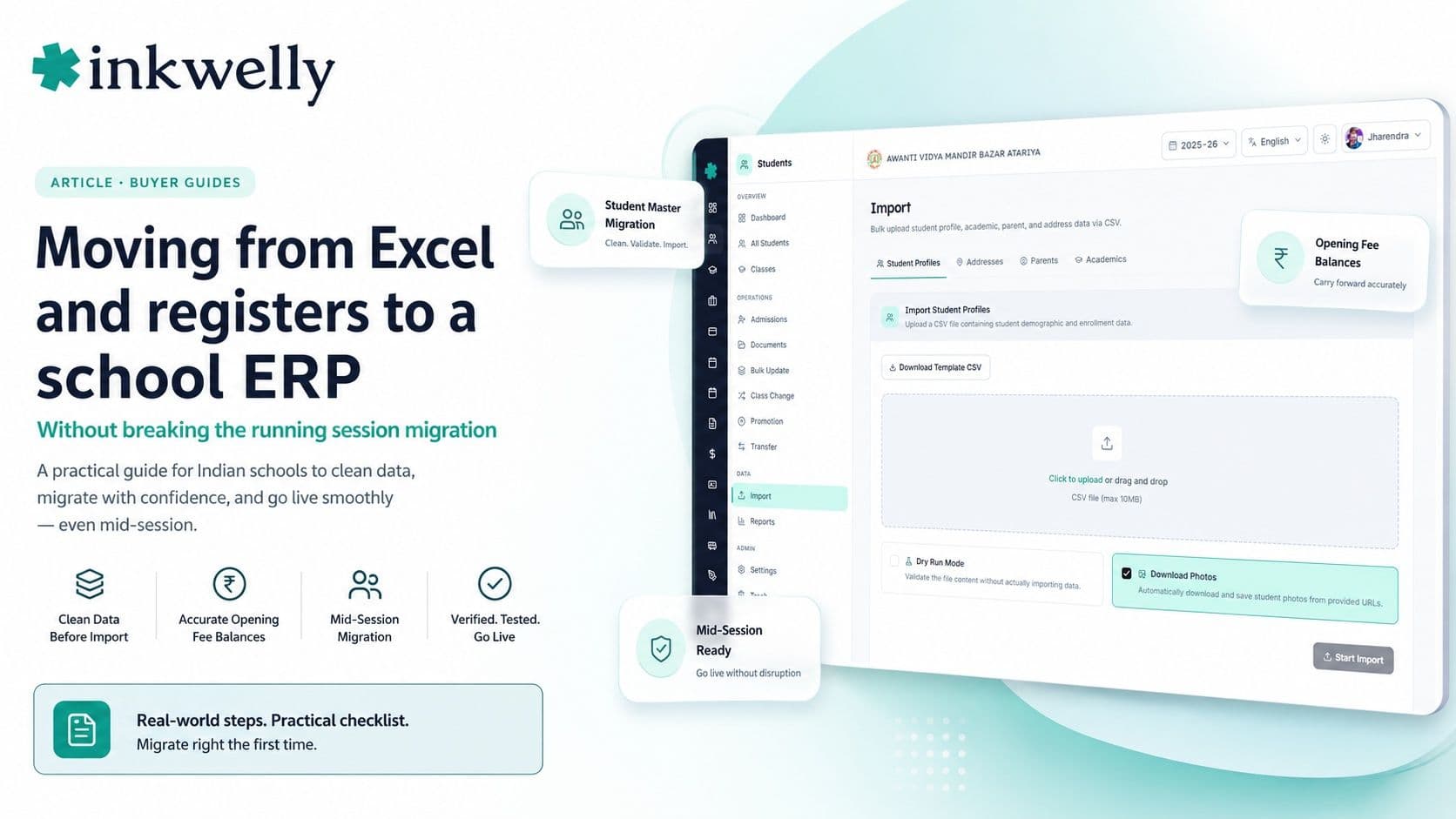
Inkwelly is built for exactly this move. Migration from Entab, Edunext, Fedena, Edumarshal, MyClassboard, Teachmint or spreadsheets is ₹0, and the process is the four stages above: we extract, we clean and come back with the short list of judgement calls, you check the staged school, you pick a date. Go-live can be the next working day. Opening balances per student are the normal starting position for a mid-session switch, and the remaining instalments are raised in Inkwelly with your concessions applied as rules. Student data comes in one sheet per class — profile, class enrolment, address and both parents in a single row, checked in a dry run first, with existing students never overwritten and no messages sent to families during the import. Pricing is ₹49–₹199 per student per year with every module included, and every school starts on a 90-day pilot with a pro-rata refund if it is not working. The dedicated guides show what is migrated from each system: switching from Entab, from Edunext, from Fedena and from Excel and registers. The fee side of the move is covered in student fee management.
April is when everyone else migrates. A cut-off date, opening balances and two parent messages are all a school needs to switch in any month it likes.
Decide in a week, switch in two
If your office is losing an hour a day to the current system, six months of waiting costs more than the switch. Pick the cut-off date, ask the new vendor the two cost questions, hand over the messy data and let them clean it, verify the staged school yourself, and send the two parent messages on time. The year does not break. It simply continues from a better ledger.
Switch this month, not next April
Send us your student list and fee sheet as they are. We will return a staged school on your data, a per-student opening balance report and a go-live date — at ₹0 migration cost.
Frequently asked questions
7 questionsYes. Migrate each student's fee ledger as an opening balance (billed, paid, due) on a cut-off date, freeze the old system that day, raise the remaining instalments in the new system, import attendance and completed-term marks as history, and run both parent channels for two weeks. Done in that order, the switch takes about 14 days and the annual reports print from one system.
The last day of any month as the cut-off, with go-live on the first working day after it. A term boundary is tidiest for fee cycles, but it is not required. April is the busiest month for every vendor, so a school that switches in October or January usually gets more attention and a shorter migration queue.
Student master with both parents' mobile numbers, the current session's fee structure, per-student fee ledger (billed, paid, due by head) reconciled to the bank, concessions as rules, transport assignments, daily attendance from 1 April, marks of completed terms, staff master if payroll moves, and the last receipt, TC and admission numbers so the series continue.
They stay in the old system as the audit trail and are carried into the new one as part of each student's opening balance. Nothing already paid is re-raised. The new system raises only the instalments still due, with the first receipt continuing the old number series so the session's receipts remain one unbroken sequence.
Only save a number and, if the school moves to WhatsApp-based communication, nothing else. Send one message before the cut-off explaining the date and what changes, and one after go-live confirming the ledger and the next due date. Keep the old app or group alive for 14 days alongside the new channel, then close it.
It can, if the new vendor charges a migration fee and bills a full year's licence from the signing date. Ask both questions before comparing features. Some vendors, including Inkwelly, charge ₹0 for migration and let a school start on a 90-day pilot, which removes the two costs that make schools wait for April.
Three things: receipt numbers restarting at 1 instead of continuing the series, concessions migrated as one-off adjustments instead of rules so the next invoice bills the full amount, and both systems accepting payments on the same day. Each is prevented by the cut-off date, the opening-balance sign-off and a five-student manual check of the first invoice run.