How to choose the right Vidyalaya alternative for your school right
Switching from Vidyalaya is rarely about capability — it is about a modern, mobile-first experience for the teachers and parents who now live on a phone. This neutral 2026 guide helps Indian schools decide when an alternative makes sense, what a strong one must do, what it really costs, and how to migrate mid-session without losing data or a school year.
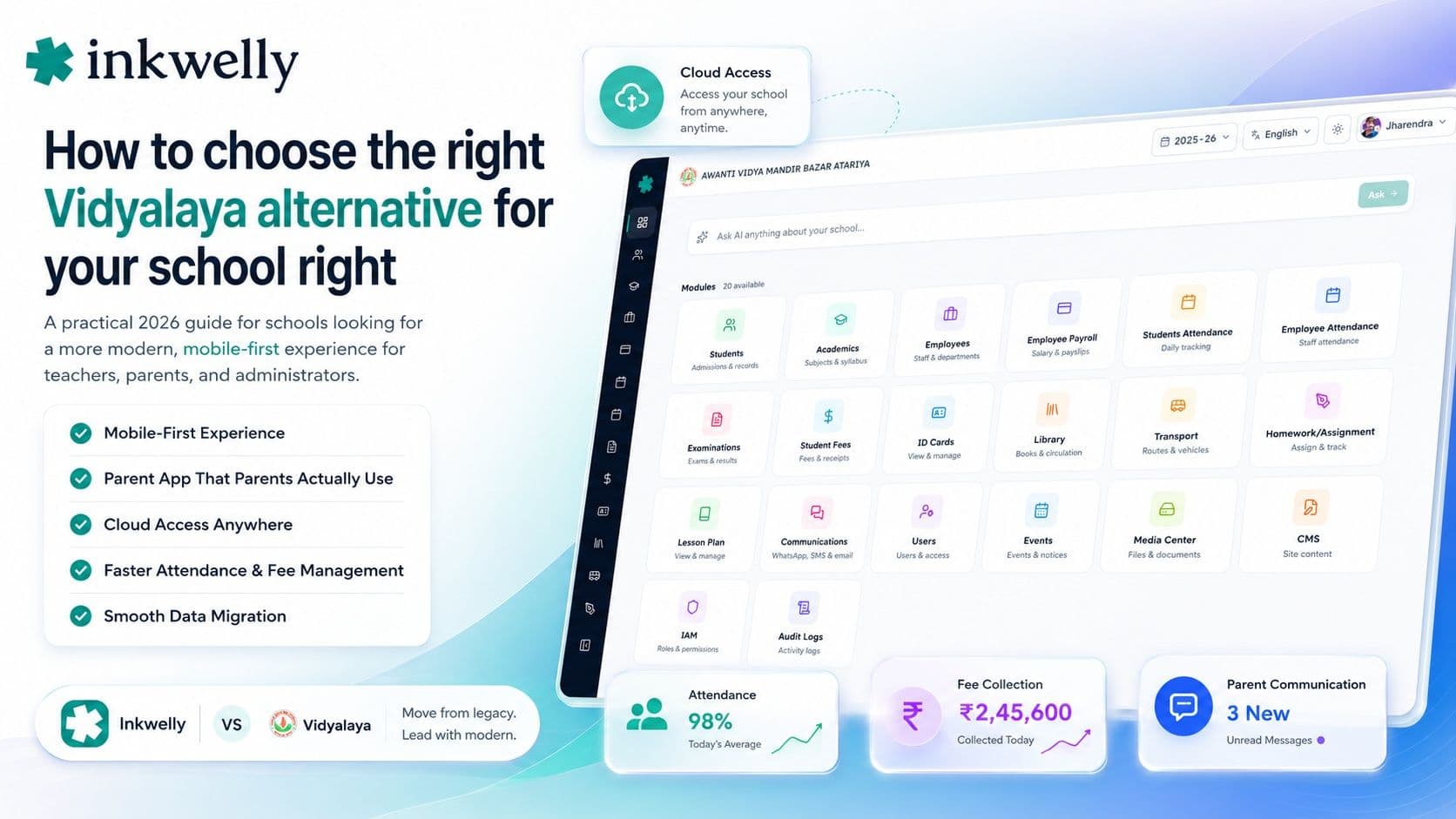
A school in Ahmedabad has trusted Vidyalaya for over a decade, and the admin team knows it inside out. But the younger teachers want to mark attendance from a phone, parents keep asking for a cleaner app, and the principal wants to log in from home during admissions season. The depth is not in question — the office relies on it. What the school is really asking is whether a system it adopted years ago feels modern enough for staff and parents who now expect everything on a phone. That question — a modern, mobile-first experience, not a missing feature — is what starts the search for an alternative.
Here is the thesis of this guide: switching from Vidyalaya is rarely about capability — it is long-established and deep. It is usually about experience: whether the system feels modern and mobile-first for the teachers and parents who live on a phone, and whether your data and support keep up. The right alternative is the one your staff actually enjoy using on the busiest day of the term.
Why schools look for a Vidyalaya alternative
Vidyalaya is one of the longer-standing Indian school ERPs, so the reasons schools look elsewhere are less about missing modules and more about the day-to-day experience — a fast, modern app, cloud access from anywhere, and a parent experience that feels current. Staff and parents now expect software to feel like the apps already on their phone. These are the reasons schools most often cite:
Common reasons schools evaluate alternatives
- A modern, mobile-first experience: teachers want to mark attendance, enter marks, and send notices from a phone, not only a desktop in the office.
- Cloud, anywhere access: logging in securely from home during admissions or result season, without being tied to one machine.
- A parent app that feels current: a clean, fast app in English and Hindi that parents actually open and use.
- Pricing and renewals: a renewal or add-on quote that grew, for features the school may not fully use.
- Support response time: fast India-hours help at fee-collection and result time, not a slow queue.
- Data ownership and export: a clean export of your own students, fees, and marks, with data kept on Indian servers.
- Onboarding and updates: going live in weeks and getting regular product improvements, not a static system.
- Board reporting: report cards and registers matching your exact CBSE, ICSE, or state format without manual rework.
What a strong alternative must do
Before comparing names, decide what 'better' means for your school. A strong alternative is not the one with the longest feature list — it is the one your teachers and parents take to without being trained twice, that does the daily jobs fast on a phone, in your languages. It should keep fees, attendance, exams, and parent communication in one place; work from anywhere on the cloud; produce your board's reports without rework; and let you bring your existing data across cleanly. For most schools today, a modern, mobile-first experience that staff adopt willingly beats raw depth nobody enjoys using.
How to evaluate a Vidyalaya alternative
Don't compare brochures. Run every shortlisted tool through this test:
- List your five daily jobs first. Collect fees, mark attendance, send a notice, enter marks, generate a report — judge each tool only on the tasks you actually repeat.
- Test it on a phone, not a laptop. Have a real teacher mark a section and a parent open the app on a mid-range Android. Speed and clarity on the phone is the whole point.
- Try it from outside the office. Log in as you would from home during admissions — cloud access from anywhere should just work, securely.
- Run it on your own data, live. Ask the vendor to load a sample of your real students and fee structure, not a polished sample school.
- Ask exactly how migration works. Who moves your students, fee history, and marks across, how long it takes, and what could break mid-session. Get it in writing.
- Ask where your data is stored and who owns it. Under the DPDP Act, demand Indian servers, a clean export anytime, and clarity on access.
- Get the all-in price and test support. The full annual cost for your size, every add-on included, plus a timed support reply during the trial.
The alternatives you'll run into
When schools weigh up Vidyalaya, the names that come up are the other established Indian school ERPs — Entab, MyClassboard, Fedena, Teachmint, Campus 365, and Edunext among them — plus newer, cloud-and-mobile-first platforms like Inkwelly. Broadly, you are choosing between desktop-heritage systems that have added mobile over time, and platforms built mobile-first from the start. Neither is automatically right. A school that works mostly from office desktops may be comfortable as-is; a school whose teachers and parents live on phones is usually better served by a mobile-first platform. Match the tool to how your people actually work day to day.
Pricing reality
For most Indian schools, school software costs roughly ₹100–₹500 per student per year, or a flat annual fee from around ₹12,000 for a small school to several lakhs for a large multi-branch trust. The bite is often the add-ons — a parent app, WhatsApp or SMS credits, a payment gateway, and 'premium' modules billed separately — and the renewal. When comparing alternatives, insist on the all-in annual cost for your exact student count, every feature you'll use included, and ask the renewal price, not just year one. A low first-year quote that jumps later is a common reason schools switch again. The honest comparison is total cost over three years, in writing.
Where Inkwelly fits
Inkwelly is a cloud, mobile-first, operations-first school ERP — built so the daily jobs are fast on a phone, in English and Hindi, from anywhere. Fee collection, attendance, exams and report cards, payroll, transport, and parent communication live in one system, and the parent app is clean enough that parents actually open it. We help schools migrate their existing students, fee history, and marks across, your data stays exportable and on Indian servers, and you get regular product improvements rather than a frozen system. We're honest about fit: if your team is happy working from office desktops, you may not need to move. If your teachers and parents expect everything on a phone, that is exactly what we built. For the full buyer view, read how to choose a school ERP and our take on Fedena and Entab alternatives.
“Your teachers and parents judge software by the apps already on their phone. The right alternative is the one they don't have to be trained twice to use.”
How to switch without breaking the year
Switch at a natural break — a term or session boundary — and run a two-week parallel pilot with one class before going school-wide. Migrate master data first (students, classes, fee structure), reconcile it against your current system, then move live operations. Keep the old system read-only for one term as a safety net. Ask your shortlisted alternative to commit, in writing, to a migration plan and a go-live date. Done this way, switching costs a fortnight of care, not a lost session — and a modern, mobile-first system pays it back the first time a teacher marks a whole class from a phone in seconds.
See a mobile-first alternative for your school
Book a free demo — open it on your phone, bring your real fee structure, and we'll show you the migration plan, live.
Frequently asked
7 questionsWhat is the best Vidyalaya alternative for Indian schools?
There is no single best — it depends on your need. If you want a modern, cloud, mobile-first experience your teachers and parents adopt willingly, look for a platform built mobile-first rather than a desktop-heritage system. Shortlist two or three, test each on a phone with your own data, and judge them on your five most frequent daily tasks.
Why do schools switch from Vidyalaya?
Usually for the day-to-day experience rather than missing features — a faster, modern mobile app, cloud access from anywhere, a cleaner parent app, quicker support, and fair renewal pricing. It reflects staff and parents now expecting software to feel like the apps on their phone, not the software being incapable.
Can I move my data from Vidyalaya to another school ERP?
Yes, a good alternative will import your students, fee history, paid receipts, and marks. Before signing, ask exactly who does the migration, how long it takes, and what happens to part-paid fees mid-session. Insist on a clean export of your own data and an Indian-server commitment under the DPDP Act.
How much does a Vidyalaya alternative cost?
Most school software runs about ₹100–₹500 per student per year, or a flat fee from around ₹12,000 for small schools to several lakhs for large groups. Watch the renewal and add-ons — parent app, WhatsApp/SMS, payment gateway — and ask for the all-in annual cost for your size, not just year one.
Is a cloud, mobile-first ERP better than a desktop-based one?
For most schools today, yes — because teachers and parents now work from phones and expect anywhere access. A mobile-first platform gets adopted willingly and cuts training. If your team is genuinely happy working only from office desktops, a desktop-heritage system may still suit you. Match the tool to how your people actually work.
When is the best time to switch school ERP?
At a natural break — a term or session boundary — so balances and records carry over cleanly. Run a two-week parallel pilot with one class first, migrate and reconcile master data, then move live operations. Keep the old system read-only for a term as a safety net.
Will switching disrupt the current school year?
Not if you plan it. Switch at a term or session boundary, pilot with one class for two weeks, migrate and reconcile master data before going live, and keep the old system read-only for a term. Done this way, switching costs a fortnight of care, not a lost session.
You might also like
4 readsSee Inkwelly on your school
30-minute demo. We open your current ERP with you and load your data into Inkwelly on the call. Dated go-live plan by the end of it.