How to choose the right Campus 365 alternative for your school right
Switching from Campus 365 is rarely about the software being bad — it is usually about a school scaling past what it first set up. This neutral 2026 guide helps Indian schools decide when an alternative makes sense, what a strong one must do, what it really costs, and how to migrate mid-session without losing data or a school year.
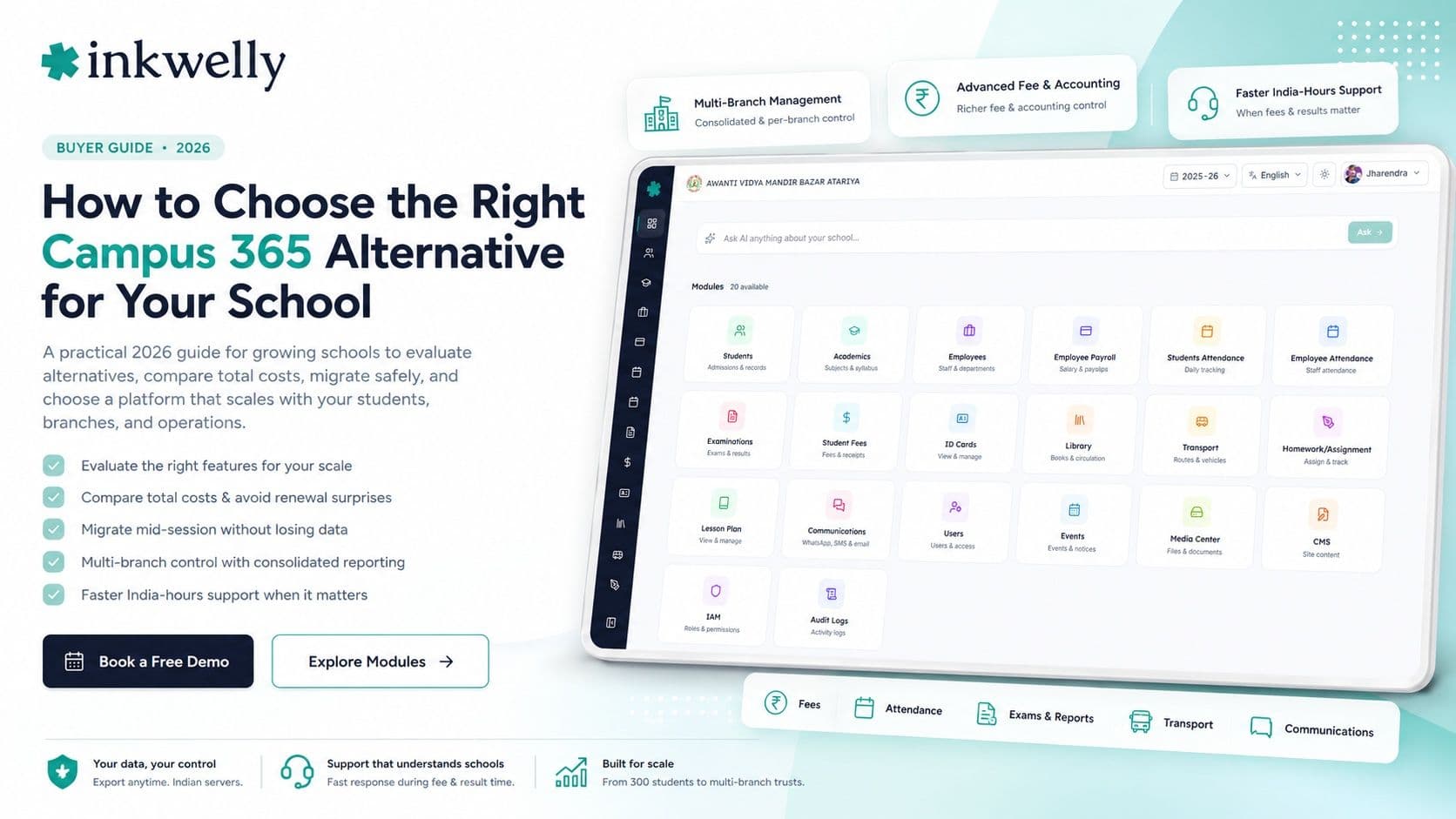
A growing school in Indore picked Campus 365 when it had 300 students. Now it has 900, two new branches are coming, and the office needs deeper fee and accounting control, faster support at collection time, and reports that match each board exactly. Nothing has gone wrong — the school simply scaled past what it first set up. The question is no longer whether the tool works; it is whether it grows with the school, with the depth and support a larger operation needs. That is what sends a school looking for an alternative — not a flaw, but a change in scale.
Here is the thesis of this guide: switching from Campus 365 is rarely about the software being bad — it is about fit as you grow. A school choosing an alternative should not chase the longest feature list; it should match the tool to the jobs it runs every day, the scale it is heading toward, and how painlessly it can move its data across without losing a session.
Why schools look for a Campus 365 alternative
Campus 365 is a cloud school ERP, so the reasons schools evaluate alternatives are usually about scale and depth — richer fees and accounting, multi-branch control, faster support, and a parent experience that keeps up as the school grows. None of this means a tool is wrong; schools simply outgrow the shape they first set up. These are the reasons schools most commonly cite:
Common reasons schools evaluate alternatives
- Depth as you scale: richer fee management, accounting, payroll, and transport that a growing or multi-branch school relies on.
- Multi-branch control: running several branches under one trust with consolidated reporting plus per-branch control.
- Support response time: fast India-hours help at fee-collection and result time, not a slow ticket queue.
- Pricing and renewals: a renewal or per-feature quote that grew faster than the school expected.
- Parent and teacher app: a clean, fast app in English and Hindi that staff and parents actually use.
- Data ownership and export: a clean export of your own students, fees, and marks, with data kept on Indian servers.
- One system, not many logins: fees, attendance, exams, transport, and communication in a single place.
- Board reporting: report cards and registers matching your exact CBSE, ICSE, or state format without manual rework.
What a strong alternative must do
Before comparing names, be clear about what 'better' means for your school. A strong alternative is not the one with the most features — it is the one that does the jobs your office repeats every day, simply, in your languages, and keeps doing them as you add students and branches. It should keep fees, attendance, exams, and parent communication in one place; produce your board's reports without rework; scale across branches; and let you bring your existing data across cleanly. The best alternative is the one that still feels easy on the day you double in size.
How to evaluate a Campus 365 alternative
Don't compare brochures. Run every shortlisted tool through this test:
- List your five daily jobs first. Collect fees, mark attendance, send a notice, enter marks, generate a report — judge each tool only on the tasks you actually repeat.
- Run it on your own data, live. Ask the vendor to load a sample of your real students and fee structure in the demo, not a polished sample school.
- Ask how it handles your scale. More students, more branches, consolidated and per-branch reporting — see it, don't just hear it.
- Test the parent and teacher app on a cheap phone. Most users are on mid-range Androids — check it is fast and readable in Hindi, not just English.
- Ask exactly how migration works. Who moves your students, fee history, and marks across, how long it takes, and what could break mid-session. Get it in writing.
- Ask where your data is stored and who owns it. Under the DPDP Act, demand Indian servers, a clean export anytime, and clarity on access.
- Get the all-in price and test support. The full annual cost for your size, every add-on included, the renewal price, and a timed support reply during the trial.
The alternatives you'll run into
When schools weigh up Campus 365, the names that come up are the other Indian school ERPs — Entab, Vidyalaya, MyClassboard, Fedena, Teachmint, and Edunext among them — plus newer all-in-one platforms like Inkwelly. Broadly, you are choosing between tools that do the basics and platforms with the depth and multi-branch control a growing school needs, all kept simple to use day to day. Neither extreme is automatically right. A small, single school may not need heavy depth; a growing or multi-branch school does. Match the tool to where your school is heading, not only where it is today.
Pricing reality
For most Indian schools, school software costs roughly ₹100–₹500 per student per year, or a flat annual fee from around ₹12,000 for a small school to several lakhs for a large multi-branch trust. The bite is often the add-ons — a parent app, WhatsApp or SMS credits, a payment gateway, and 'premium' modules billed separately — and the renewal as you scale. When comparing alternatives, insist on the all-in annual cost for your exact student count, every feature you'll use included, and ask the renewal price, not just year one. A quote that jumps as you add students or branches is a common reason schools switch again. The honest comparison is total cost over three years, in writing.
Where Inkwelly fits
Inkwelly is an operations-first, all-in-one school ERP that stays simple as you grow. Fee collection, attendance, exams and report cards, payroll, transport, and parent communication live in one system — in English and Hindi, on a cheap phone — with the depth a larger or multi-branch school needs without the daily complexity. We help schools migrate their existing students, fee history, and marks across, your data stays exportable and on Indian servers, and support answers in India hours when fees are due. We're honest about fit: a tiny single school may not need this depth. A growing or multi-branch school usually does — that is exactly what we built. For the full buyer view, read how to choose a school ERP and our take on Fedena and Entab alternatives.
“Choose for the school you are becoming, not only the one you are today. The right alternative is still simple on the day you double in size.”
How to switch without breaking the year
Switch at a natural break — a term or session boundary — and run a two-week parallel pilot with one class or branch before going wide. Migrate master data first (students, classes, fee structure), reconcile it against your current system, then move live operations. Keep the old system read-only for one term as a safety net. Ask your shortlisted alternative to commit, in writing, to a migration plan and a go-live date. Done this way, switching costs a fortnight of care, not a lost session — and the right alternative pays it back within the first month of cleaner fees and calmer operations across branches.
See an alternative that scales with your school
Book a free demo — bring your real fee structure and branch setup, and we'll show you the migration plan, live.
Frequently asked
7 questionsWhat is the best Campus 365 alternative for Indian schools?
There is no single best — it depends on your scale and need. A growing or multi-branch school usually wants an operations-first ERP with deeper fees, accounting, and consolidated reporting that stays simple to use. Shortlist two or three, run each on your own data, and judge them on your five most frequent daily tasks and how they handle your scale.
Why do schools switch from Campus 365?
Usually because the school scaled past its first setup — it now needs deeper fees and accounting, multi-branch control, faster support, and fair renewal pricing. It reflects a school outgrowing the shape it first chose, not the software being bad.
Can I move my data from Campus 365 to another school ERP?
Yes, a good alternative will import your students, fee history, paid receipts, and marks. Before signing, ask exactly who does the migration, how long it takes, and what happens to part-paid fees mid-session. Insist on a clean export of your own data and an Indian-server commitment under the DPDP Act.
How much does a Campus 365 alternative cost?
Most school software runs about ₹100–₹500 per student per year, or a flat fee from around ₹12,000 for small schools to several lakhs for large groups. Watch the renewal and add-ons — parent app, WhatsApp/SMS, payment gateway — and ask for the all-in annual cost for your size, not just year one, especially as you add students or branches.
Can a school ERP handle multiple branches under one trust?
A good one can — with consolidated reporting across all branches plus per-branch control of fees, staff, and admissions. If you run or plan a group of schools, test this directly in the demo: add a second branch and check both the combined view and the branch-level controls before you commit.
When is the best time to switch school ERP?
At a natural break — a term or session boundary — so balances and records carry over cleanly. Run a two-week parallel pilot with one class or branch first, migrate and reconcile master data, then move live operations. Keep the old system read-only for a term as a safety net.
Will switching disrupt the current school year?
Not if you plan it. Switch at a term or session boundary, pilot with one class or branch for two weeks, migrate and reconcile master data before going live, and keep the old system read-only for a term. Done this way, switching costs a fortnight of care, not a lost session.
You might also like
4 readsSee Inkwelly on your school
30-minute demo. We open your current ERP with you and load your data into Inkwelly on the call. Dated go-live plan by the end of it.