The real return on a school ERP isn't a feature — it's the office hours it hands back time
Vendors sell features; what a school actually buys is time back for its office staff. This guide breaks down where the office really loses hours, how the right ERP returns them, a realistic estimate for an Indian school, and how to measure the saving before you commit.
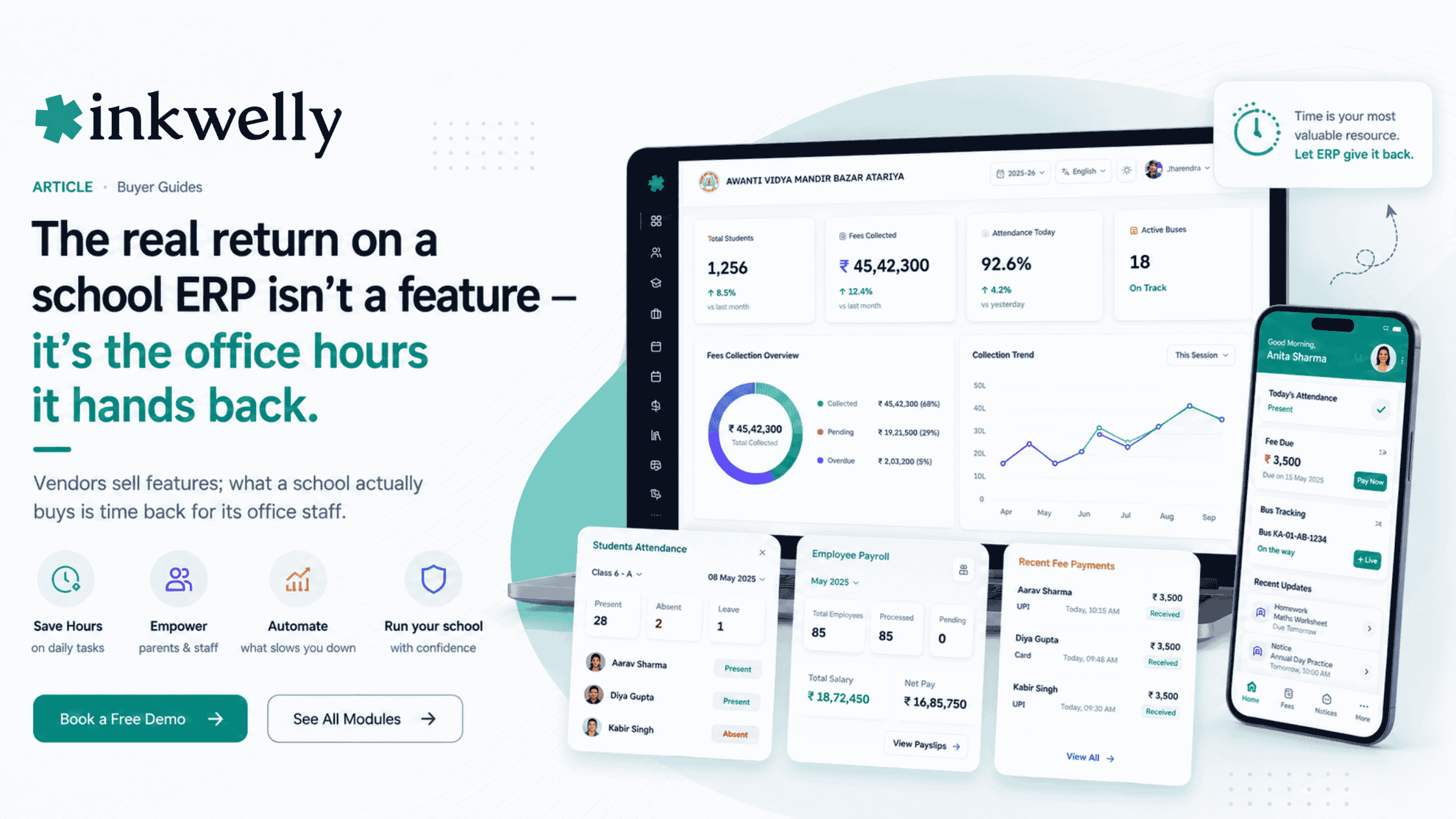
Walk into any school office at 10 a.m. and watch where the time goes. The receptionist is on the phone telling a parent the bus is 'on the way'. A clerk is copying attendance from registers into a sheet. The accountant is writing a fee receipt by hand and will reconcile the day's cash at 4 p.m. Someone is printing a payslip because a teacher asked. None of this is the school's actual work — admissions, academics, care of children. It's the friction around that work: re-entering data, answering questions that the data could answer itself, and chasing paper between desks. A school ERP is sold as software, but what it really sells is the recovery of those hours. The honest question to ask a vendor isn't 'what can it do?' — it's 'how many of these office hours does it hand back?'
The thesis: the return on a school ERP is measured in office hours, not features. Most of an office's day is spent on three things — re-entering data that was already captured somewhere, answering questions that a parent or teacher could answer themselves, and reconciling money by hand. The right ERP attacks all three: data is entered once and flows everywhere, parents and staff self-serve, and money reconciles itself. Judge an ERP by how many of those hours it removes, and measure it before and after on real tasks.
Where the school office actually loses time
Before you can value an ERP, be honest about where the hours go today. In most Indian schools, the office loses time in a handful of predictable places — and they're the same whether the school has 400 students or 4,000. These are the tasks to time before and after.
Where the office's hours disappear
- Fee collection and daily cash reconciliation — hand-written receipts, counting cash, matching it to a register
- Answering 'where is the bus?' and 'was my child present?' calls every morning
- Copying attendance and marks from registers into sheets, then into reports
- Producing payslips, salary slips and TDS by hand at month-end
- Building report cards and marksheets from a spreadsheet every term
- Sending notices and fee reminders one message at a time
- Generating data for board submissions, audits and management reviews
- Looking up a single student's record across files when a parent walks in
How the right ERP returns those hours
An ERP doesn't save time by being clever; it saves time by removing duplication and letting people answer their own questions. The mechanism is simple in every case: capture once, reuse everywhere, and let parents and staff serve themselves instead of queuing at the office. That's where the hours come back.
How the hours come back
- Online fee payment and auto-reconciliation — parents pay by UPI, the ledger updates itself, the 4 p.m. cash-matching shrinks
- Live bus tracking and instant absence alerts — the morning 'where is the bus / was my child present' calls largely stop
- Attendance and marks entered once on a phone flow into reports, report cards and registers — no re-copying
- Payroll reads attendance and produces payslips, TDS and Form 16 — the month-end Excel disappears
- Staff download their own payslips and parents download their own receipts — the office stops being a print shop
- Bulk notices and automated reminders — one action reaches a class or the whole school
- Board and audit data exports itself from the records already captured — no special compilation week
- A parent's full record is one search — the across-files lookup becomes instant
A realistic estimate for an Indian school
Be wary of vendors who promise a number; the honest answer is 'it depends on which tasks you move'. But a grounded estimate for a typical 1,000-student school looks like this. Fee collection and reconciliation done online instead of by hand can return on the order of a few hours a day at the counter. Absence-and-bus calls dropping off frees a meaningful slice of the receptionist's morning. Attendance and marks captured once instead of three times removes a recurring daily and term-end load. Month-end payroll going from a multi-day Excel exercise to a checked run saves the accountant days each month. Added up, a mid-sized school commonly recovers the equivalent of a part-time to a full staff member's time — not because the software is magic, but because the duplication and the queue were never necessary. The right framing isn't 'how many hours', it's 'which of these tasks will we actually move, and what is that staff time worth?'
What this is worth — and what it isn't
The value of recovered office time is real but easy to overstate, so be honest about it. It rarely means firing staff; it usually means the same staff stop drowning in data entry and start doing higher-value work — admissions follow-ups, parent relationships, helping the academic side — and the school grows without adding back-office headcount. It also reduces errors, because data entered once is data that can't drift across three copies. What it is not is an instant transformation: an ERP only returns hours for the tasks you actually move onto it, in the language your staff work in, on devices they already have. Time the tasks you'll really shift, not the brochure's everything.
Where Inkwelly fits
Inkwelly is built to return office hours on exactly the tasks above. Parents pay fees online and the ledger reconciles itself; live bus tracking and instant absence alerts cut the morning calls; attendance and marks are captured once on a phone and flow into reports and report cards; payroll produces payslips, TDS and Form 16 from attendance; and staff and parents self-serve their own documents through the app, in Hindi or English. The point isn't the feature list — it's that each of these removes a queue at the office desk. See the wider picture in our ERP price guide and the Excel-to-ERP migration guide.
“An ERP doesn't save a school time by being clever. It saves time by entering data once instead of three times, and by letting parents answer their own questions instead of calling the office. Count the queues it removes — that's the return.”
Decide on a measured trial, not a promise
The honest way to value an ERP is to measure, not to believe a number. Run a short trial on your three highest-friction tasks — fees, attendance, payroll — and time them before and after with your own staff. If the office gets visibly lighter on those tasks, the ERP is returning real hours and the business case writes itself. Roll it out from the start of a term so the saving compounds across the year, and put the measured before-and-after, not a vendor's promise, in front of whoever signs.
See where the office hours come back
A 20-minute walkthrough — fees, attendance, payroll and parent self-service — on a real dataset, with the time saving made concrete. No sales pitch.
Frequently asked
8 questionsHow much time does a school ERP actually save the office?
It depends entirely on which tasks you move onto it, but a typical 1,000-student school commonly recovers the equivalent of a part-time to a full staff member's time. The biggest savings come from online fee collection with auto-reconciliation, fewer morning bus-and-absence calls, entering attendance and marks once instead of three times, and month-end payroll going from a multi-day Excel exercise to a checked run. Measure it on your own tasks before and after rather than trusting a vendor's number.
Where does a school office lose the most time?
In a handful of predictable places: hand-written fee receipts and daily cash reconciliation, answering 'where is the bus?' and 'was my child present?' calls, copying attendance and marks from registers into sheets and reports, producing payslips and TDS by hand at month-end, building report cards from spreadsheets each term, and sending notices one message at a time. These are the same tasks whether a school has 400 students or 4,000 — and they're exactly what an ERP is meant to remove.
Does a school ERP mean we can reduce office staff?
Usually not, and that's not the point. The realistic outcome is that the same staff stop drowning in data entry and reconciliation and start doing higher-value work — admissions follow-ups, parent relationships, supporting academics — so the school can grow without adding back-office headcount. It also cuts errors, because data entered once can't drift across copies. Treat the saving as recovered capacity, not as a headcount cut.
How do I measure the time an ERP will save before buying?
Pick three real, high-friction tasks — a day's fee reconciliation, a morning of parent calls, and a month-end payroll run — and time them as you do them today. Then run the same three on the ERP during a trial and time them again. The before-and-after on your own tasks is the only ROI number you can trust, and it's what to present to the management committee, rather than the vendor's hours-saved claim.
What's the single biggest time-saver in a school ERP?
For most Indian schools it's online fee collection with automatic reconciliation, because fee handling and the daily cash count consume more office time than almost anything else. Parents paying by UPI and the ledger updating itself shrinks both the counter queue and the 4 p.m. cash-matching. Close behind are instant absence alerts and live bus tracking, which remove the recurring morning calls to the office.
Does the time saving depend on parents and staff using the app?
Yes — a lot of the saving comes from self-service, so it depends on adoption. Parents paying fees and tracking the bus themselves, and staff downloading their own payslips, is what stops the office being a queue. That's why the app has to be genuinely easy and in the language people use; a powerful ERP that parents and staff don't open returns far fewer hours than one they actually use daily.
Is the time saving worth the cost of a school ERP?
Compare the recovered staff time against the ERP's per-student-per-year price (commonly ₹150–₹600 per student). If a mid-sized school recovers the equivalent of a part-time to a full staff member's time, plus fewer errors and the ability to grow without adding back-office staff, the platform typically pays for itself well before the year is out. But the only honest version of this calculation uses your own measured before-and-after, not a vendor estimate.
How quickly does a school see the time saving after switching?
On the tasks you move first, almost immediately — online fees and absence alerts cut calls and counter time from day one. The fuller saving compounds over a term as more tasks shift onto the ERP and parents and staff get used to self-service. Rolling it out at the start of a term, rather than mid-session, lets the saving build across the whole year instead of starting halfway.
You might also like
5 readsSee Inkwelly on your school
30-minute demo. We open your current ERP with you and load your data into Inkwelly on the call. Dated go-live plan by the end of it.