The best school management app is the one your parents actually open app
Most schools already have an app. Few have one parents open more than once a month. This guide shows what a school management app should do for parents, teachers and drivers, what real apps cost in India, and how to test one properly before you switch.
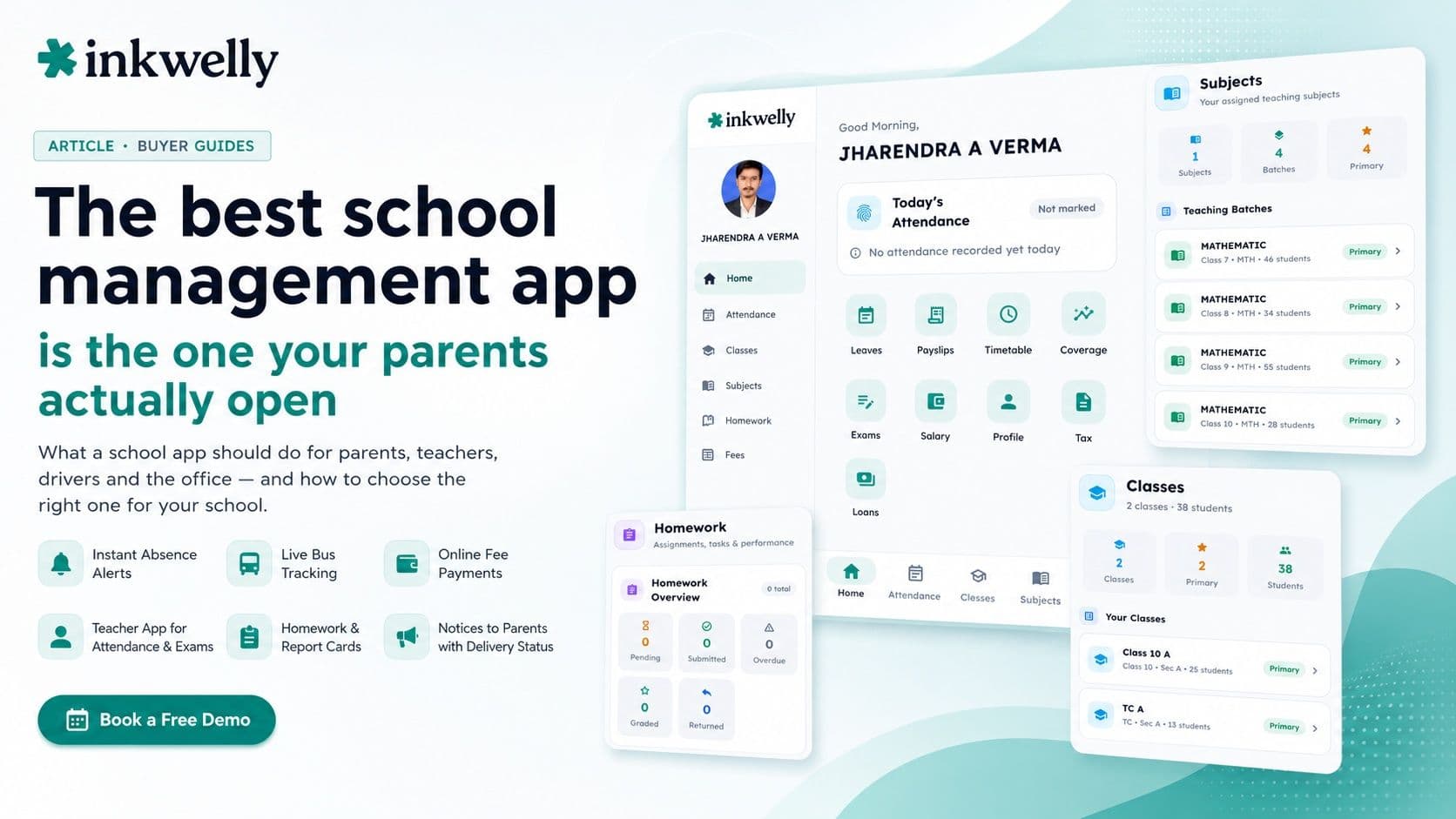
It is 7:40 in the morning. A parent in Lucknow has opened your school app for the third time this week — not to check homework, but to find out where the bus is. The app does not show it. So she calls the office. By 8:15 the front desk has taken eleven such calls, the receptionist is frazzled, and the principal is wondering why the school pays for an app at all. Meanwhile a class teacher is still marking attendance on paper because the app's teacher side is too slow to use during the morning rush. This is the real test of a school management app: not the feature list in the brochure, but whether the people it is built for actually open it.
Here is the honest thesis of this guide. The best school management app in India is not the one with the most features — it is the one parents open without being asked, teachers can use in the thirty seconds between periods, and the school office can trust to reduce calls instead of creating them. Almost every Indian school ERP now ships a mobile app. The difference between them is depth and daily usefulness, not the screenshot grid on the website.
What a school management app should actually do
A school app is really four apps wearing one icon — one each for parents, teachers, drivers and the school office. A weak app does one of these well and bolts the rest on. A strong app treats each role as a first-class product, because a parent's needs at 7:40 a.m. are nothing like a teacher's at 11:00 a.m. or a driver's mid-route. Before you compare vendors, get clear on what each role needs to do every single day.
What each role needs from the app every day
- Parents: see attendance and an instant alert the moment a child is marked absent — not a summary at month-end
- Parents: pay fees online by UPI, card or net banking and download the receipt, without visiting the school counter
- Parents: track the school bus live on a map and know when it is two stops away — the single feature that cuts morning office calls
- Parents: read homework, exam results, report cards and school notices in one feed, in Hindi or English
- Teachers: mark class attendance in seconds, set and grade homework, and enter exam marks from a phone
- Drivers: see the route, the student list per stop, mark who boarded, and raise an SOS in one tap
- Office staff: send a notice to one class or the whole school and know it was delivered
- Everyone: a fast login (OTP, not a password nobody remembers) and one account that switches between a parent, teacher or driver profile
The India bar — what separates a great app from a generic one
An app built for Indian schools has to clear a few bars that a generic global product never thinks about. These are the details that decide whether the app survives past the first term or quietly dies on parents' home screens. Most vendors get the happy-path screenshots right; the gap shows up in the conditions Indian schools actually run in.
The India-specific bar
- Hindi-first, not Hindi-bolted-on — a Tier-2 parent should never hit an English-only screen
- Works on a ₹8,000 Android phone on a patchy 3G connection, not just a flagship on office wifi
- Bus tracking that uses the driver's own phone as the GPS — no ₹6,000-per-bus hardware to buy
- Fees that handle UPI, Razorpay, partial payments and installments the way Indian parents actually pay
- Light data usage — a parent on a ₹200 monthly plan should not dread opening it
- Offline tolerance — a driver in a no-signal stretch can still mark boarding, and it syncs later
How to choose a school app: the test that actually works
Do not choose from a demo where the salesperson drives. Choose from a test where you and a real parent and a real teacher drive. Here is the framework that exposes a weak app in under an hour:
-
Hand a parent the parent side, say nothing. Ask them to find today's attendance, pay a fee, and locate the bus. If they need instructions, parents at your school will need them too — and they won't ask, they'll call the office.
-
Give a class teacher two minutes during a real period change. Marking attendance for forty students should take well under a minute on a phone. If it doesn't, teachers will go back to paper and your data dies.
-
Ask to see the bus move on a live map. Insist on a real device driving a real route, not a recorded demo. Watch what happens when the phone loses signal for thirty seconds.
-
Send a test notice to one class and check delivery. A communication feature that can't prove a message was delivered is just a hope, not a tool.
-
Switch profiles in the same app. A teacher who is also a parent at the school should not need two logins. Tap-to-switch tells you the app was designed, not assembled.
-
Open everything in Hindi. Toggle the language and look for any screen that stays in English. The leftover English screens are where the vendor cut corners.
The apps you'll run into
When you shop for a school app in India you'll meet two kinds of product. The first is the ERP-with-an-app: a full school management system where the mobile app is one surface — names you'll run into include Vidyalaya, Edunext, Entab CampusCare, MyClassboard, Fedena, Campus 365 and Schoollog. The second is the app-first communication tool that grew toward an ERP, like Teachmint. Both can work. The questions that separate them are the same: how deep is the parent side really, can a teacher run a full class day from the phone, and is bus tracking native or a third-party add-on you'll pay for and chase support on separately?
What a school app actually costs in India
App pricing almost never sits on its own — it rides on the ERP. Most school management platforms in India price per student per year, commonly in the ₹150–₹600 band, with the mobile app included rather than charged extra. For a 1,000-student school that lands roughly between ₹1.5 lakh and ₹6 lakh a year for the whole platform, app included. Be alert to three add-ons that brochures hide: SMS or WhatsApp credits billed separately, a per-bus charge for GPS hardware, and a payment-gateway fee on every online fee transaction (typically under 2% on UPI and cards, paid to the gateway, not the ERP). An app advertised as 'free' usually means the app download is free and the platform behind it is where the cost lives.
Where Inkwelly fits
Inkwelly is one school management platform with one app for every role — parents, teachers, drivers and the office — built for Indian schools first. Parents get instant absence alerts, online fee payment, and live bus tracking that runs on the driver's own phone with no hardware to buy. Teachers mark attendance, set and grade homework, and enter exam marks from the phone. Drivers get a route view, a per-stop student list, offline boarding and a one-tap SOS. Every screen works in Hindi and English. We'd rather you test it against the framework above than take our word — read more in the parent communication guide and the bus-tracking guide.
“The best school app is invisible. Parents stop calling the office, teachers stop reaching for paper, and the principal stops wondering what they're paying for. That only happens when each role's app is built like it matters — because it does.”
Decide in two weeks
You don't need a three-month evaluation. Pick two shortlisted apps, run the six-step test above with one real parent, one real teacher and one real bus on each, and watch the morning office calls. The app that quietly reduces those calls in the first week is the one worth a contract. Everything else is a brochure. Switch to it cleanly between terms, import your existing student list, and give parents a single day's notice — the right app needs no training because it was designed to need none.
See the whole app, every role, live
A 20-minute walkthrough on a real school dataset — parent, teacher, driver and office side. No sales pitch, just the product.
Frequently asked
8 questionsWhat is the best school management app in India in 2026?
There is no single best app for every school — the right one is the app your parents actually open daily, your teachers can use between periods, and your office can trust to reduce calls. Judge it on daily-active usage and the depth of the parent, teacher and driver sides, not the feature count. Test two shortlisted apps with a real parent, a real teacher and a real bus before deciding.
Should a school app be one app for parents and teachers, or separate apps?
One app with role-based profiles is better. A teacher who is also a parent at the school should switch profiles with a tap, not juggle two logins. A single app also means one update, one support line, and one place where attendance, fees, homework and transport live together instead of scattered across tools.
Is a free school app actually free?
Usually only the download is free. The school management platform behind the app is where the cost lives — most price per student per year, commonly ₹150–₹600, with the app included. Watch for separate SMS/WhatsApp credits, per-bus GPS hardware charges, and payment-gateway fees on online fee collection.
Do parents need a smartphone to use a school app?
Yes for the full app experience, but a good platform also sends the essentials — absence alerts, fee reminders, results — over SMS and WhatsApp so parents without a smartphone, or who haven't installed the app yet, still get the important messages.
Can the school app track the bus without buying GPS devices?
Yes. A modern school app uses the driver's own Android phone as the GPS device, so there's no per-bus hardware to buy or maintain. Parents see the bus live on a map and get an alert when it's a couple of stops away. Schools that already own GPS trackers can usually integrate those too.
How do I test a school app before switching from my current one?
Run a one-hour live test: hand the parent side to a real parent and watch them find attendance, pay a fee and locate the bus unaided; give a teacher two minutes to mark a real class; watch a real bus move on a live map including a signal drop; send a test notice and confirm delivery; and open every screen in Hindi to find the screens the vendor left in English.
Does a school app work in Hindi?
The good ones do, fully — not just the home screen. For Tier-2 and Tier-3 schools this matters a lot: a parent should never hit an English-only screen. When testing, toggle the language and look for leftover English screens; those reveal where the vendor cut corners.
How much does a school management app cost for a 1,000-student school?
For the whole platform with the app included, roughly ₹1.5 lakh to ₹6 lakh per year depending on the modules you turn on, since most vendors price per student per year. Add separate costs only for SMS/WhatsApp credits and the payment-gateway fee on online fee transactions — the app itself is rarely a separate line item.
You might also like
4 readsSee Inkwelly on your school
30-minute demo. We open your current ERP with you and load your data into Inkwelly on the call. Dated go-live plan by the end of it.