School payroll is not generic payroll — it has to fit how schools actually pay staff payroll
A school's payroll mixes salaried teachers, contract staff, drivers and support workers, with TDS, EPF, ESI and Form 16 to get right every month. This guide covers what school payroll software must handle, how to test it, and what it costs in India.
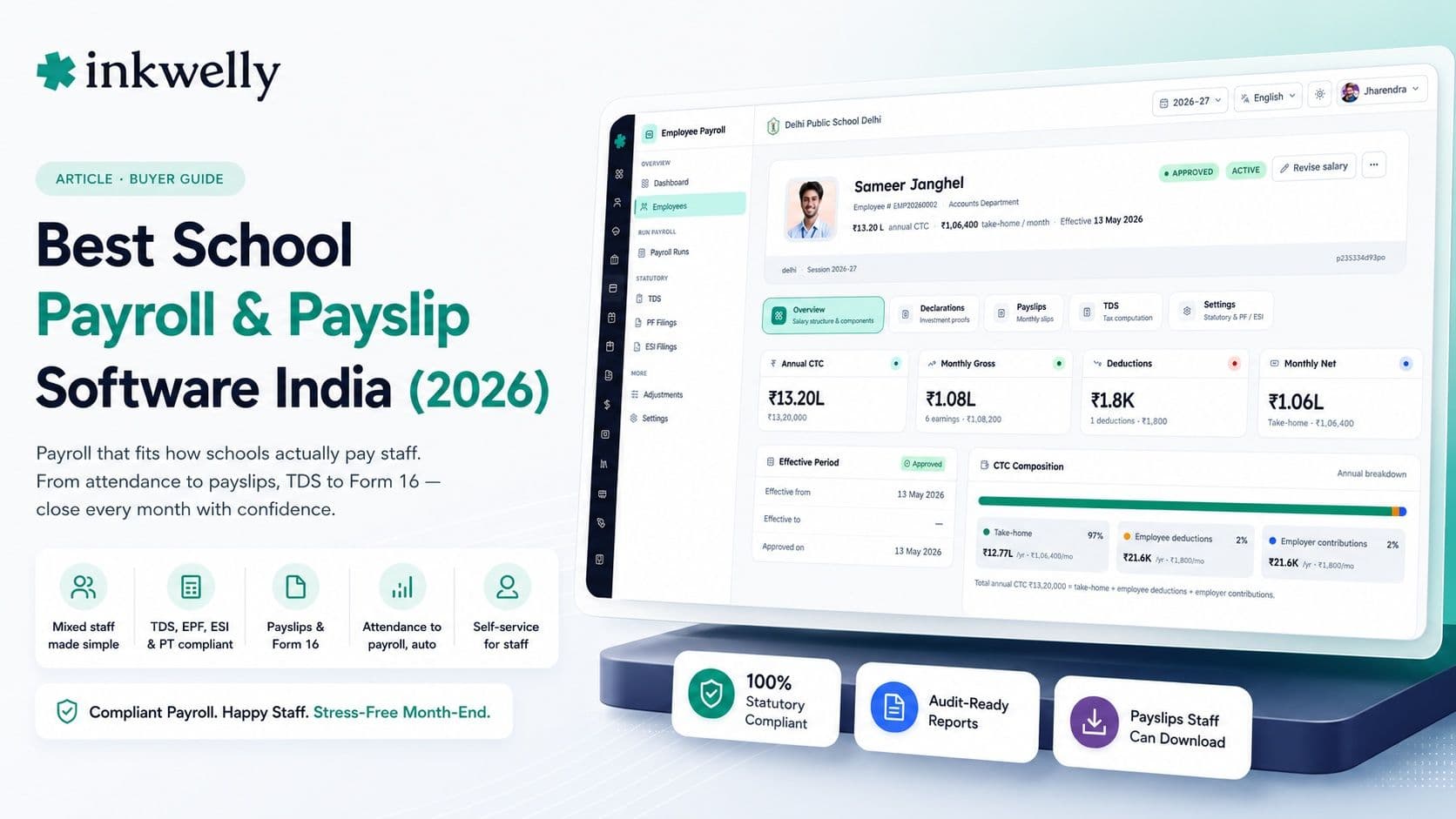
On the last day of the month, a school accountant in Jaipur opens three things: an Excel sheet of salaries, a separate calculation for TDS, and a WhatsApp thread of leave messages from the past month. From these she has to produce eighty correct payslips, deduct the right tax for each person, account for two new joiners and one resignation, and remember that the PT teacher is on a contract, not salary. She does this by hand, every month, and a single wrong cell means an angry teacher and a re-run. Payroll is the one process where a small error is never small — it's someone's salary. School payroll software exists to make that last day boring instead of stressful.
The thesis: generic payroll software is built for one kind of employee, but a school pays several. Teaching staff on salary, non-teaching staff, contract and visiting teachers, drivers and support workers each have different pay structures, attendance rules and statutory treatment. The right school payroll software handles that mix, links to staff attendance and leave, and produces compliant TDS, EPF, ESI and Form 16 without a parallel Excel sheet. Judge it by whether the accountant can close payroll without opening Excel at all.
What school payroll software must actually do
Payroll is more than printing a salary slip. For an Indian school it's a monthly compliance exercise across several staff types, with statutory deductions that have to match what's filed with the government. Before comparing vendors, be clear about the full scope — the parts most schools still do by hand are exactly where errors and audit risk hide.
The full scope of school payroll
- Define salary structures — basic, HRA, DA, allowances — per role, for teaching and non-teaching staff
- Handle contract, visiting and part-time staff alongside salaried employees
- Pull attendance, leave and extra-duty days straight from the staff attendance system — no re-entry
- Calculate TDS per the income-tax slabs, with each employee's declarations and proofs
- Manage EPF and ESI deductions and the employer contribution, ready for filing
- Deduct professional tax by state, and handle loan or advance EMIs from salary
- Generate monthly payslips staff can download themselves from the app
- Produce Form 16 at year-end and the registers needed for audit and statutory filing
The bar that separates school payroll from a salary calculator
Many 'payroll modules' are really a salary calculator with a PDF export. The difference shows up in compliance and self-service — the parts that actually save the accountant's time and keep the school out of trouble. A real payroll system closes the loop from attendance to statutory filing, and lets staff serve themselves instead of queuing at the accounts desk.
What real school payroll software gets right
- Payroll reads attendance and leave automatically, so a teacher's unpaid leave reflects in that month's pay without manual adjustment
- TDS, EPF, ESI and professional tax are calculated to current rules, not a fixed percentage someone set once
- Staff download their own payslips and salary history from the app — no requests to the accounts desk
- Form 16 and the monthly registers generate themselves, ready for the CA and statutory filing
- Loans and advances are tracked with the EMI auto-deducted each month until cleared
- The same staff records power attendance, leave and payroll — one source of truth, not three
How to test school payroll software
Don't judge payroll software by a sample payslip — judge it by whether a real month closes cleanly. Here's the test:
-
Run one full month for mixed staff. Include a salaried teacher, a contract teacher and a driver. If the software can't handle all three in one run, your accountant will keep a side Excel for the exceptions.
-
Add a mid-month joiner and a resignation. Real months are messy. Pro-rata salary for a joiner and a final settlement for a leaver are where weak tools fall apart.
-
Check the TDS against a manual calculation. Take one employee with declarations and verify the tax matches what you'd compute by hand. Payroll you can't trust on tax is payroll you'll redo in Excel.
-
Have a staff member download their own payslip. Self-service is half the value. If teachers still have to ask the office for a payslip, the software hasn't removed the work.
-
Generate Form 16 and the filing registers. Year-end is the real test. If Form 16 and EPF/ESI registers don't come out clean, the accountant's January disappears into spreadsheets.
The tools you'll compare
School payroll comes from two directions. Full school ERPs — Vidyalaya, Edunext, Entab CampusCare, MyClassboard, Fedena — include a payroll module that shares staff records with attendance and HR, so there's one source of truth. Standalone Indian payroll products — the kind used across industries — handle statutory compliance well but don't know about school-specific staff types or link to staff attendance. The deciding question is whether payroll reads your school's attendance and leave automatically and still produces compliant TDS, EPF, ESI and Form 16 — or whether you'll bridge two systems by hand every month.
What it costs
In a school ERP, payroll is part of the per-student-per-year price (commonly ₹150–₹600 per student), not billed per employee — so a 1,000-student school pays roughly ₹1.5–6 lakh a year for the whole platform with payroll included. Standalone payroll products usually charge per employee per month (often ₹20–₹70 per staff member), which for a 100-staff school can run ₹24,000–₹84,000 a year on its own — and still needs bridging to your attendance data. The hidden cost in either case is the accountant's time: payroll that doesn't read attendance automatically quietly consumes two days a month in re-entry and reconciliation.
Where Inkwelly fits
Inkwelly's payroll is built into the same platform as staff attendance and HR, so payroll reads attendance, leave and extra days automatically — no parallel Excel. It handles salaried, contract and support staff together, calculates TDS, EPF, ESI and professional tax to current rules, tracks staff loans with auto-deducted EMIs, and produces Form 16 and statutory registers at year-end. Staff download their own payslips and salary history from the app, in Hindi or English. See how it fits the wider system in our school price guide and teacher app guide.
“Payroll is the one process where 'mostly right' is wrong. It's someone's salary and the government's tax. School payroll software earns its keep on the boring last day of the month, when nothing goes wrong and nobody has to open Excel.”
Decide on one real month-end
The honest test is a single live month-end. Run real payroll for your actual staff mix — salaried, contract, drivers — with the real joiners, leavers and leave, and see whether the accountant closes it without a side Excel and whether the TDS and registers come out filing-ready. If month-end stops being a two-day ordeal, the software is doing its job. Roll it out from the start of a financial year so Form 16 lines up cleanly, and let the spreadsheets go.
See a full school month-end close, live
A 20-minute walkthrough — mixed staff, TDS, EPF, ESI, payslips and Form 16 — on a real dataset. No sales pitch, just the payroll run.
Frequently asked
8 questionsWhat is the best school payroll software in India?
The best school payroll software handles a school's mixed staff — salaried teachers, contract and visiting staff, drivers and support workers — reads attendance and leave automatically, and produces compliant TDS, EPF, ESI and Form 16 without a parallel Excel sheet. Judge it on whether your accountant can close a real month-end without opening Excel, and whether Form 16 and statutory registers come out filing-ready.
Does school payroll software handle TDS, EPF, ESI and Form 16?
Good school payroll software does all four. It calculates TDS against the income-tax slabs using each employee's declarations, manages EPF and ESI deductions with the employer contribution, deducts professional tax by state, and generates Form 16 plus the monthly registers needed for statutory filing. Always test the compliance output, not just the payslip, before buying.
Should payroll be part of the school ERP or a separate product?
Part of the school ERP is usually better for schools. When payroll shares staff records with attendance and leave, unpaid leave and extra-duty days flow into pay automatically, with one source of truth. A standalone payroll product handles statutory compliance but doesn't know your school's staff types or read your attendance — so you bridge two systems by hand each month.
Can teachers and staff download their own payslips?
In a good system, yes — staff download their payslips and salary history directly from the app, in Hindi or English, without asking the accounts desk. Self-service payslips remove a recurring interruption for the accountant and are a quick thing to check in any demo. If staff still queue for payslips, the software hasn't removed the work.
How is school payroll software priced in India?
Inside a school ERP, payroll is included in the per-student-per-year price (commonly ₹150–₹600 per student), not billed per employee. Standalone payroll products usually charge per employee per month (often ₹20–₹70 each), which for 100 staff can be ₹24,000–₹84,000 a year on its own and still needs bridging to attendance. Factor in the accountant's time too — payroll that doesn't read attendance costs days each month.
Can school payroll software handle contract and part-time teachers?
It should. A school pays salaried staff, contract and visiting teachers, and part-time and support workers, each with different pay and statutory treatment. Good payroll software handles all of them in one run. If a tool can only do salaried employees, your accountant keeps a side Excel for everyone else — which is exactly the manual work you're trying to remove.
How do I test school payroll software before buying?
Run one real month-end: process a mixed staff list (salaried, contract, driver), add a mid-month joiner and a resignation, verify the TDS against a manual calculation, have a staff member download their own payslip, and generate Form 16 and the EPF/ESI registers. If the month closes without a side Excel and the compliance output is filing-ready, the software works.
Does school payroll software connect to staff attendance?
The best ones do. Payroll that reads staff attendance, leave and extra-duty days automatically means unpaid leave reflects in pay without manual adjustment, and there's one source of truth instead of three. If payroll and attendance are separate systems, someone re-enters the data every month — which is slow and error-prone, and errors in payroll are never small.
You might also like
4 readsSee Inkwelly on your school
30-minute demo. We open your current ERP with you and load your data into Inkwelly on the call. Dated go-live plan by the end of it.