A teacher app is only good if a teacher can use it between two periods teacher
Most school apps are designed for the admin office and handed to teachers as an afterthought. The result: teachers go back to paper. This guide covers what a teacher app must do to survive a real school day, how to test it, and what it costs in India.
A Class 7 teacher in Indore has four minutes between the bell and the next period. In that window she has to mark attendance for forty-two students, note that two left early for a match, set tonight's homework, and answer a parent's message about yesterday's test. If the app makes any one of those take too long, she does what teachers everywhere do: she keeps a paper register 'just in case', marks attendance on it, and updates the app later — or never. The moment that happens, the school's live data is fiction. A teacher app does not fail in a demo. It fails at 10:42 a.m. on a Tuesday, quietly, when nobody is watching.
The thesis is this: a teacher app is only as good as the slowest thing a teacher must do every day. Schools evaluate teacher apps on capability — does it have a gradebook, a homework module, a timetable? But teachers abandon them over friction — how many taps to mark a class, how long a page takes to load on the school's weak wifi. Judge a teacher app by speed under real conditions, not by its feature list.
What a teacher actually does in a school app
A teacher's day has a small set of repeated jobs and a few weekly ones. A good teacher app makes the repeated ones effortless and keeps the weekly ones off the teacher's evening. Before comparing products, be honest about the real workload — it's narrower and more repetitive than any feature grid suggests.
The teacher's real daily and weekly jobs
- Mark class attendance in under a minute, from a phone, including 'left early' and 'on leave' cases
- Set homework with a due date and an attachment, to one class or a subject batch
- Collect and grade submissions, leave feedback, and return marks — without carrying notebooks home
- Enter exam marks component-wise and let the report card build itself
- Track syllabus coverage — what was taught today, and whether the class is on schedule
- See the timetable, including substitutions when a colleague is absent
- Apply for their own leave and see the balance, without a paper form to the office
- Download their payslip and check salary, without asking the accounts desk
The bar that separates a teacher app from an admin tool
Most 'teacher modules' are really admin screens with the labels changed. A real teacher app is designed for a person standing up, on a phone, in a noisy corridor, with thirty seconds to spare. That design intent shows up in details an admin-first product never gets right.
What a teacher-first app gets right
- Attendance defaults to all-present, so a teacher only taps the absentees — not forty taps for a full class
- Everything works one-handed on a phone, not just on a desktop in the staff room
- Pages load on weak school wifi and tolerate a dropped signal mid-save
- Homework and marks reuse the same class and batch lists — no re-entering students
- The teacher's own HR — leave, payslip, timetable — lives in the same app, not a separate portal
- Hindi and English throughout, because not every teacher thinks in English
How to test a teacher app properly
Never judge a teacher app from a slide deck. Judge it by putting it in a real teacher's hands during a real period change. Here is the test that exposes a weak one:
-
Time a full attendance mark. Hand a teacher a class of forty on a phone and time it. Under a minute is good; over two and teachers will keep the paper register.
-
Set and grade one homework end to end. Create it, submit as a student, grade it as the teacher. Count the taps. If grading means downloading files one by one, teachers will do it at home, late, and resent it.
-
Enter exam marks and generate the report card. The marks a teacher enters should flow into the report card automatically. If marks have to be re-typed elsewhere, the app is creating work, not saving it.
-
Apply for leave as the teacher. A teacher's own HR is part of the test. If applying for casual leave needs a paper form, the 'app' is half an app.
-
Do it all in Hindi on weak wifi. Switch the language and throttle the connection. This is the condition your teachers actually work in — not the vendor's office broadband.
The products you'll compare
Teacher tools in India come in two shapes. Full school ERPs — Vidyalaya, Edunext, Entab CampusCare, MyClassboard, Fedena, Campus 365 — include a teacher app as one part of a larger system, so attendance, marks, payroll and timetable share one login. Teaching-first apps like Teachmint began with the classroom and added administration later. Neither label guarantees a good teacher experience. The deciding question is whether a teacher can run an entire class day — attendance, homework, marks, leave — from the phone without falling back to paper or a desktop.
What it costs
The teacher app almost never carries its own price. It's part of the school ERP, typically billed per student per year (commonly ₹150–₹600), with every teacher seat included — schools are not charged per teacher. So a 1,000-student school pays roughly ₹1.5–6 lakh a year for the whole platform, teacher app included. The costs that do scale separately are SMS or WhatsApp credits for parent messaging and the payment-gateway fee on online fee collection — neither of which is a teacher-app charge. Be wary of any vendor that bills per teacher login; it punishes schools for adding staff.
Where Inkwelly fits
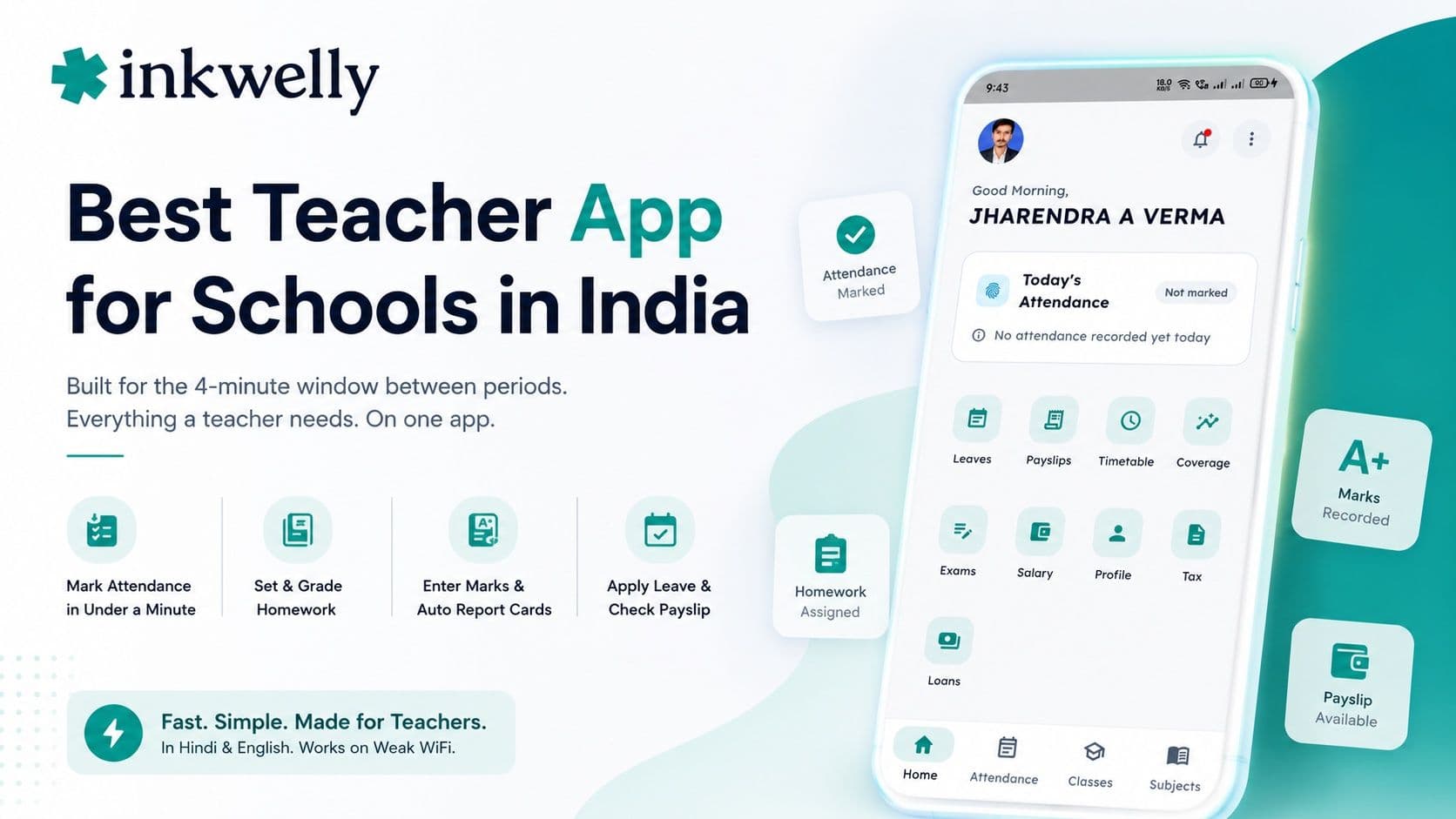
Inkwelly's teacher app is built for the four-minute window between periods. Attendance defaults to all-present so a teacher taps only the absentees; homework is set and graded from the phone; exam marks flow straight into the report card; and syllabus coverage is one tap. The teacher's own HR — leave and payslip — lives in the same app, in Hindi or English, on weak wifi. It's the same app a parent or driver uses, with the teacher's profile. See how the pieces fit in our school app guide and the attendance guide.
“Teachers don't reject software because it lacks features. They reject it because it costs them thirty seconds they don't have, forty times a day. Win those thirty seconds and the whole school's data becomes real.”
Decide in one week of real periods
You can settle this in a week. Give two shortlisted apps to two willing teachers and watch one thing: does the paper register disappear? If teachers stop keeping a backup register, the app is fast enough and the data is trustworthy. If the register stays in the drawer, no dashboard can fix it. Choose the app teachers actually use between periods, roll it out at the start of a term, and let the paper go.
See the teacher app survive a real class day
A 20-minute walkthrough — attendance, homework, marks, leave and payslip — on a real dataset, in Hindi and English. No sales pitch.
Frequently asked
8 questionsWhat is the best teacher app for schools in India?
The best teacher app is the one a teacher can use in the few minutes between periods without falling back to paper. Judge it on speed under real conditions — how fast a full class is marked, how few taps grading takes, whether it loads on weak wifi — not on the feature list. Test two shortlisted apps with real teachers during real period changes before choosing.
Why do teachers stop using a school app and go back to paper?
Friction. If marking a class takes too long, grading means downloading files one by one, or pages stall on the school's wifi, teachers keep a paper register 'just in case' and update the app later or never. The fix is a teacher-first design: attendance that defaults to all-present, one-handed phone use, and tolerance for weak connections.
Should a teacher app include attendance, marks and payroll in one place?
Yes. A teacher should mark attendance, set homework, enter exam marks, apply for leave and download a payslip from one app with one login. Splitting the teacher's classroom work and their own HR across separate portals doubles the friction and is a common reason teacher apps get abandoned.
How fast should marking attendance be in a good teacher app?
Under a minute for a class of forty, from a phone. The trick is defaulting every student to present so the teacher only taps the absentees, rather than tapping each of forty students. If marking a full class takes more than a couple of minutes, teachers will keep using a paper register.
Do schools pay per teacher for a teacher app?
They shouldn't. Good school platforms price per student per year (commonly ₹150–₹600) with all teacher seats included, so adding staff costs nothing extra. Be cautious of vendors that charge per teacher login — it penalises schools for hiring and adds up quickly in a large school.
Can teachers use the app in Hindi?
The good ones work fully in Hindi, not just the menus. This matters in Tier-2 and Tier-3 schools where many teachers think and write in Hindi. When testing, switch the language and check that homework, marks and leave screens are all properly translated, not just the home screen.
How do I test a teacher app before buying?
Put it in a real teacher's hands during a real period change. Time a full attendance mark, set and grade one homework end to end, enter exam marks and generate the report card, and apply for leave as the teacher — all in Hindi on a throttled connection. If the paper register disappears within a week of real use, the app is good enough.
Is a teaching-first app like Teachmint better than a full ERP for teachers?
Neither is automatically better for teachers. A teaching-first app may have a polished classroom flow but thinner administration; a full ERP connects attendance, marks, payroll and timetable but may have a heavier teacher screen. What matters is whether a teacher can run the whole day — classroom plus their own HR — from the phone. Test that directly rather than trusting the category.
You might also like
3 readsSee Inkwelly on your school
30-minute demo. We open your current ERP with you and load your data into Inkwelly on the call. Dated go-live plan by the end of it.