How to choose school management software for a CBSE school CBSE
CBSE schools have specific needs most generic ERPs miss — board-style report cards, term fee cycles, RTE, and parents who pay on UPI and WhatsApp. This 2026 guide covers what a CBSE school should actually look for, and how to choose the right software.
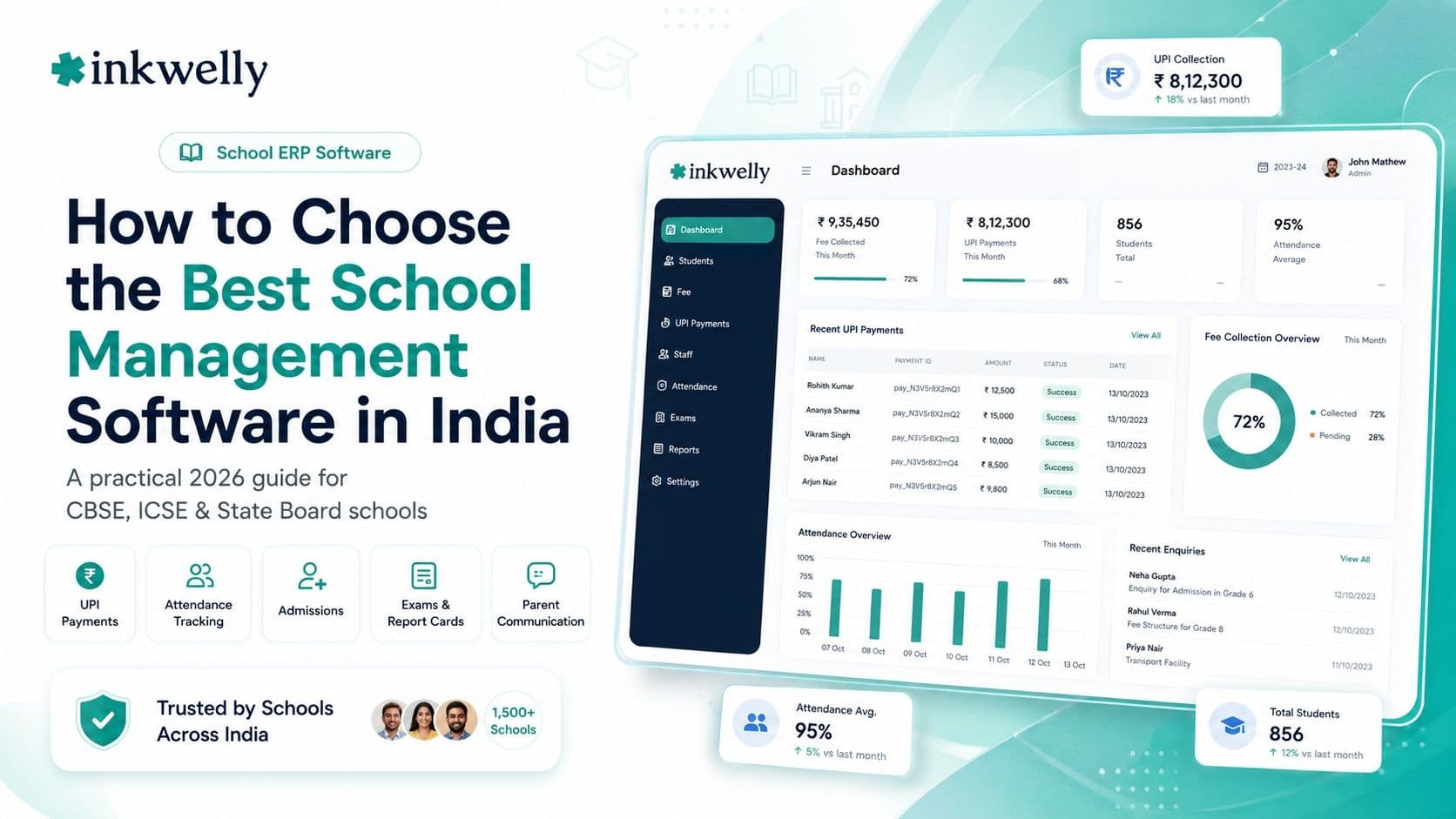
A CBSE school is not a generic school
A CBSE school runs on its own rhythm. Report cards follow the board's scholastic and co-scholastic pattern with grades, not just a marks total. Fees come in terms or installments, not one lump sum. There is the RTE quota to track and claim, the affiliation paperwork, large rolls that strain slow software, and parents who now expect to pay on UPI and hear from the school on WhatsApp.
Most school software was not built for any of this. It can store names and print a receipt, but ask it to produce a correct CBSE report card or handle a term fee cycle and it starts to creak. This guide is about choosing software that already speaks CBSE — so your school bends the software to fit, not the other way around.
The test: does it already know CBSE, or will you teach it?
The best school management software for a CBSE school is the one where your board's report card, fee terms and RTE handling are built in, not bolted on. If the demo shows a generic marksheet and the salesperson promises 'we can customise that for you', you are buying a project, not a product. Everything below is about telling the two apart.
What a CBSE school actually needs
Strip away the generic feature list and a CBSE school has a specific set of must-haves. Check each one in the demo with your own classes — not a sample school.
The CBSE checklist
- CBSE-format report cards — scholastic and co-scholastic areas, grades and remarks, in the board's layout, generated in bulk for a whole class
- Term and installment fee cycles — not a single annual amount, with per-term due dates and late-fee rules
- Online fees by UPI, card and net banking, with WhatsApp payment links and auto-receipts on your school's letterhead
- RTE 25% quota handling — mark RTE students, track concessions and prepare reimbursement claims without a separate register
- Performance at scale — software that stays fast for a 1,000 to 3,000-student roll, not just a demo of 20
- A parent app parents actually open — fees, attendance, report cards and notices in one place
- Staff payroll with TDS, EPF and ESI, and exportable data for UDISE+ and other returns
- Data stored in India and handled in line with the DPDP Act
The part generic software gets wrong: report cards
If you check one thing in a demo, check the report card. A CBSE marksheet is not just marks out of 100 — it is scholastic subjects with grades, co-scholastic areas, discipline and remarks, in the board's expected layout, and it has to be right for every child in a class at once. This is where generic and imported tools fall apart: they offer a plain table and call it a report card. Ask the vendor to generate a real CBSE report card for one of your classes, in your format, during the demo. If they cannot, no amount of other features makes up for the weeks your teachers will lose at result time.
How to choose: the demo test for a CBSE school
Put every shortlisted option through the same short test, with your own school's data:
- Ask for a live CBSE report card. Have them generate your class's marksheet, in CBSE format, in the demo — not a screenshot from another school.
- Pay a live fee to your own phone. Send a UPI payment link, pay 1 rupee, and watch the receipt arrive and the ledger update on its own.
- Set up your term fee structure. Your installments, due dates, transport and RTE — built in the demo, not described.
- Open the parent app on a cheap phone. If it is slow on a basic Android, your parents will not use it.
- Get the all-in annual price and a data-export answer. Software plus the gateway charge for your roll, and exactly how you would get your data out later.
What it costs for a CBSE school
For a CBSE school, pricing usually follows your roll: per-student plans of roughly 20 to 80 rupees per student per year for a full ERP, or flat annual plans that scale with size. A 1,500-student CBSE school will land in a different band from a 400-student one, so always price for your actual roll. And always add the payment-gateway charge on online fees to the software price — that, not the sticker, is the real annual cost.
Where Inkwelly fits
Inkwelly is built for Indian schools, with CBSE among its core boards. Report cards follow the board's scholastic and co-scholastic pattern and generate in bulk; fees run on term and installment cycles with UPI and WhatsApp payment links and auto-receipts; RTE students and concessions are rule-driven; and admissions, attendance, timetable, transport, payroll and a parent app run in the same system, with data stored in India. It is one option to put through the demo test above — especially the 'generate my class's report card now' request, which is the fastest way to separate CBSE-ready software from the rest.
“Any school software can store marks. Far fewer can hand a CBSE teacher a correct, board-format report card for forty children in one click. That single ability is what a CBSE school is really buying.”
How to decide
Shortlist two or three options. In each demo, make them generate your class's CBSE report card and run a live fee payment to your phone — with your own term structure and RTE setup. Add the gateway charge to each price for your real roll. Then choose the one that handled CBSE without 'we'll customise that later'. Switch with the next fee term. A CBSE school that tests the report card and the fee flow before signing rarely regrets the choice.
See a CBSE report card and fee link on your own data
A 20-minute walkthrough — your classes, your CBSE report-card format, your term fee structure, and a live payment to your phone. No slide deck.
Frequently asked
7 questionsWhat is the best school management software for CBSE schools?
The best for a CBSE school is whichever already handles CBSE-format report cards, term fee cycles, RTE and UPI/WhatsApp payments out of the box — not as a customisation. Test it by asking the vendor to generate your class's CBSE report card and run a live fee payment in the demo, then choose on that rather than on a feature list.
Does it generate CBSE-format report cards?
Good CBSE software generates the board's scholastic and co-scholastic report card with grades and remarks, in bulk for a whole class. Always ask the vendor to produce a real report card for one of your classes, in your format, during the demo — generic tools usually cannot.
Can it handle CBSE term fee structure and the RTE quota?
Yes, the right software does. Look for term and installment fee cycles with per-term due dates and late-fee rules, plus RTE student marking, concessions and reimbursement-claim preparation without keeping a separate register.
Does it help with UDISE+ and other CBSE returns?
Look for software that keeps complete, exportable student and staff data so you can compile UDISE+ and similar returns without re-entering everything. Confirm the exact export in the demo, since formats change year to year.
How much does school management software cost for a CBSE school?
Pricing usually follows your roll — roughly 20 to 80 rupees per student per year for a full ERP, or flat annual plans that scale with size. Always price for your actual student count and add the payment-gateway charge on online fees to get the real annual cost.
Can parents pay CBSE school fees on UPI and WhatsApp?
Yes. Modern CBSE school software sends fee payment links on WhatsApp that open a UPI, card or net-banking page, with the receipt sent automatically and the money settling into the school's own account.
Can we switch our CBSE school's software mid-session?
Yes. Students, fees and pending dues import cleanly, so a CBSE school can switch with the next fee term without losing history. Confirm the new vendor can reproduce your CBSE report-card format before you move.
You might also like
3 readsSee Inkwelly on your school
30-minute demo. We open your current ERP with you and load your data into Inkwelly on the call. Dated go-live plan by the end of it.