How to check parent reach on WhatsApp in Inkwelly
Before you migrate fee receipts and PTM cards off paper, you need to know how many parents are actually reachable on WhatsApp. This guide shows you the one card that gives you that number and the exact place to fix bad data.
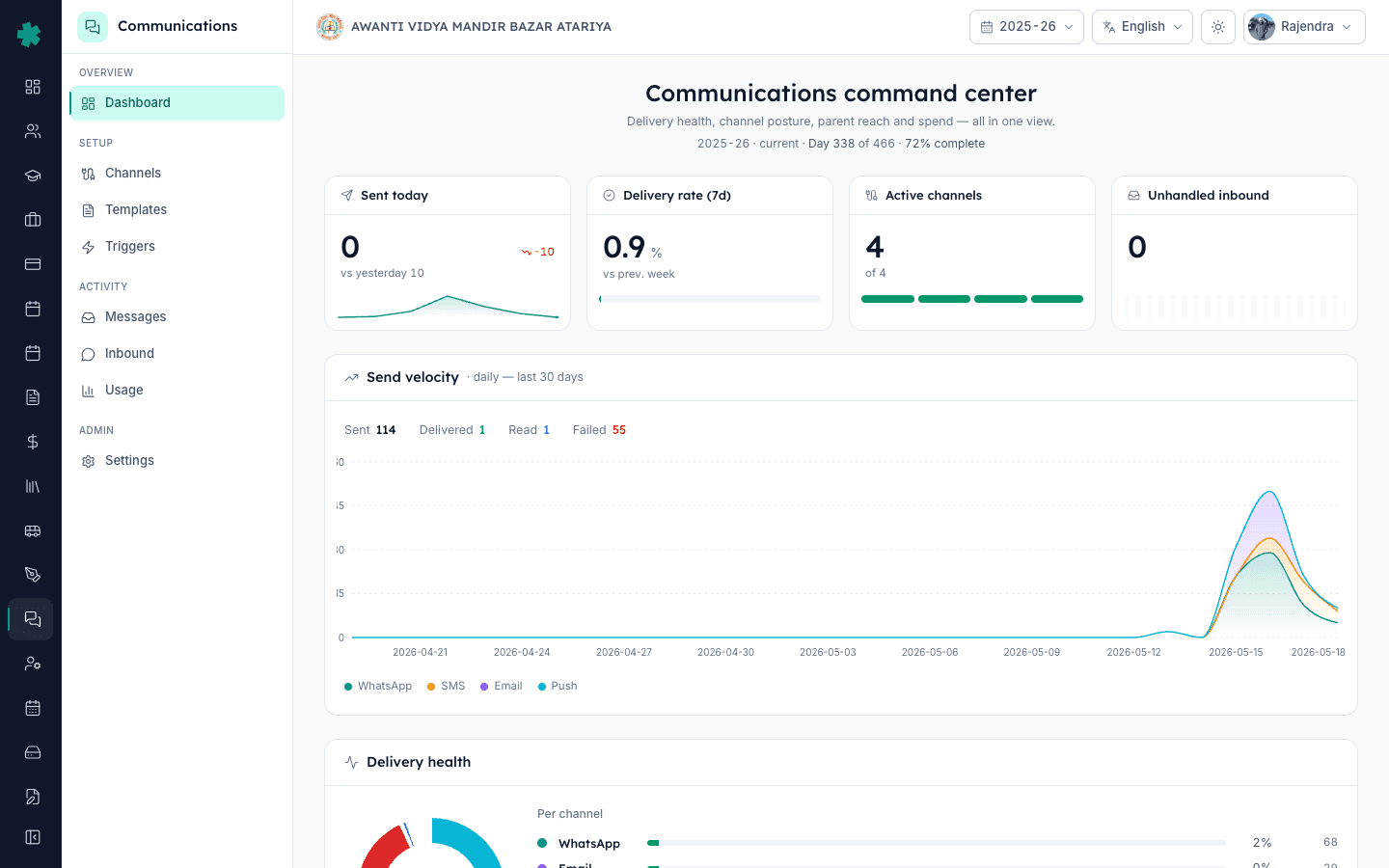
TL;DR — Open Communications, find the Reach & consent card, read the WhatsApp percentage at the top of the breakdown. Under 90% means parents will not receive fee receipts on WhatsApp — fix bad numbers in the Students module before you switch off paper receipts.
Most schools we onboard discover the same thing on day one — the ERP shows 1,500 students but only 800 of them have a valid 10-digit WhatsApp number on file. The rest are landline numbers, single parents marked twice, blank cells, or numbers ported out years ago. The Reach & consent card surfaces this gap in one number so you do not learn about it the day a parent walks in asking why no fee receipt ever arrived. Hitting 90% reach is the single biggest unlock for going paperless on fees, PTM cards, and attendance alerts — and it costs nothing except an hour of admin time.
1. Open the Communications dashboard
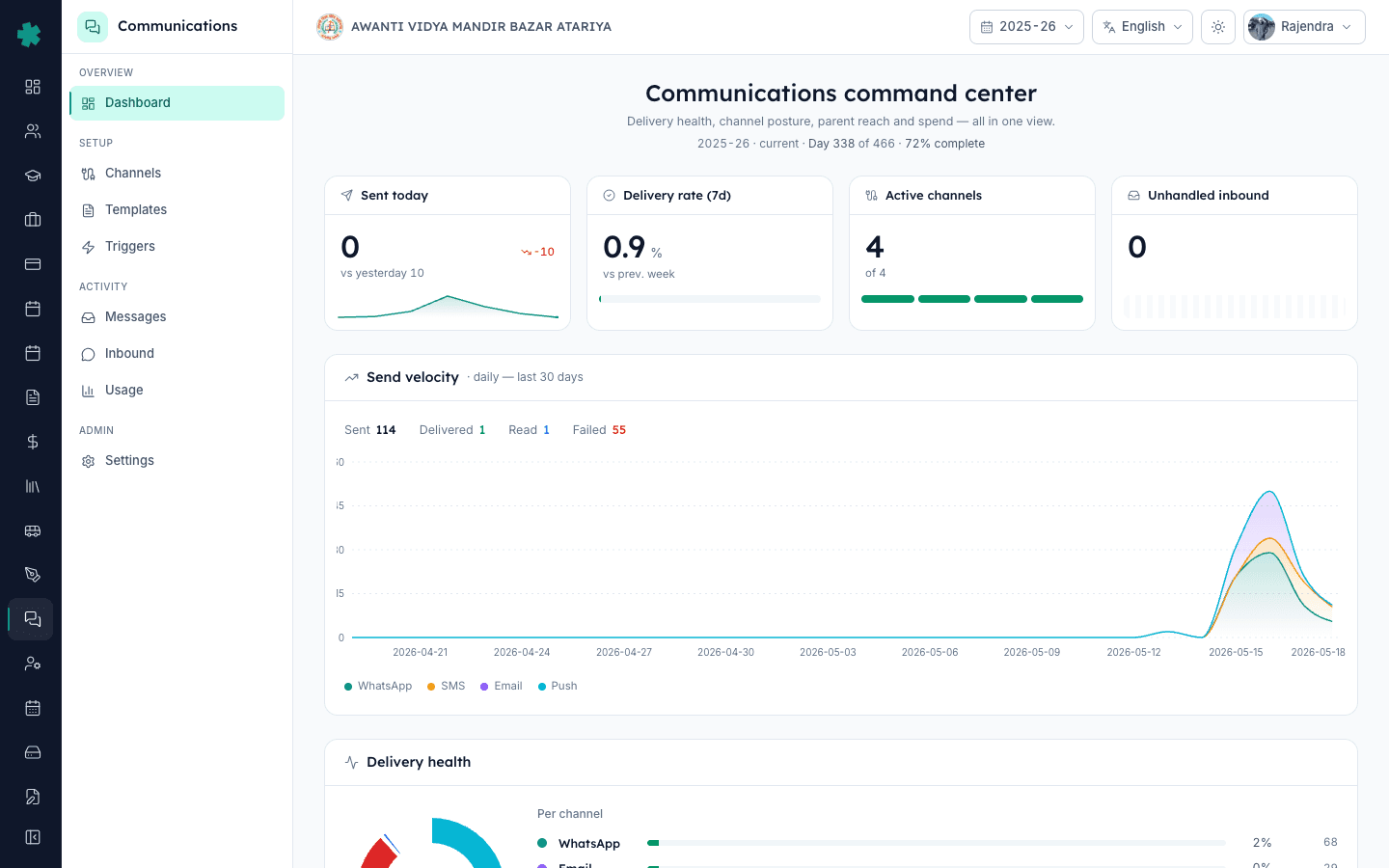
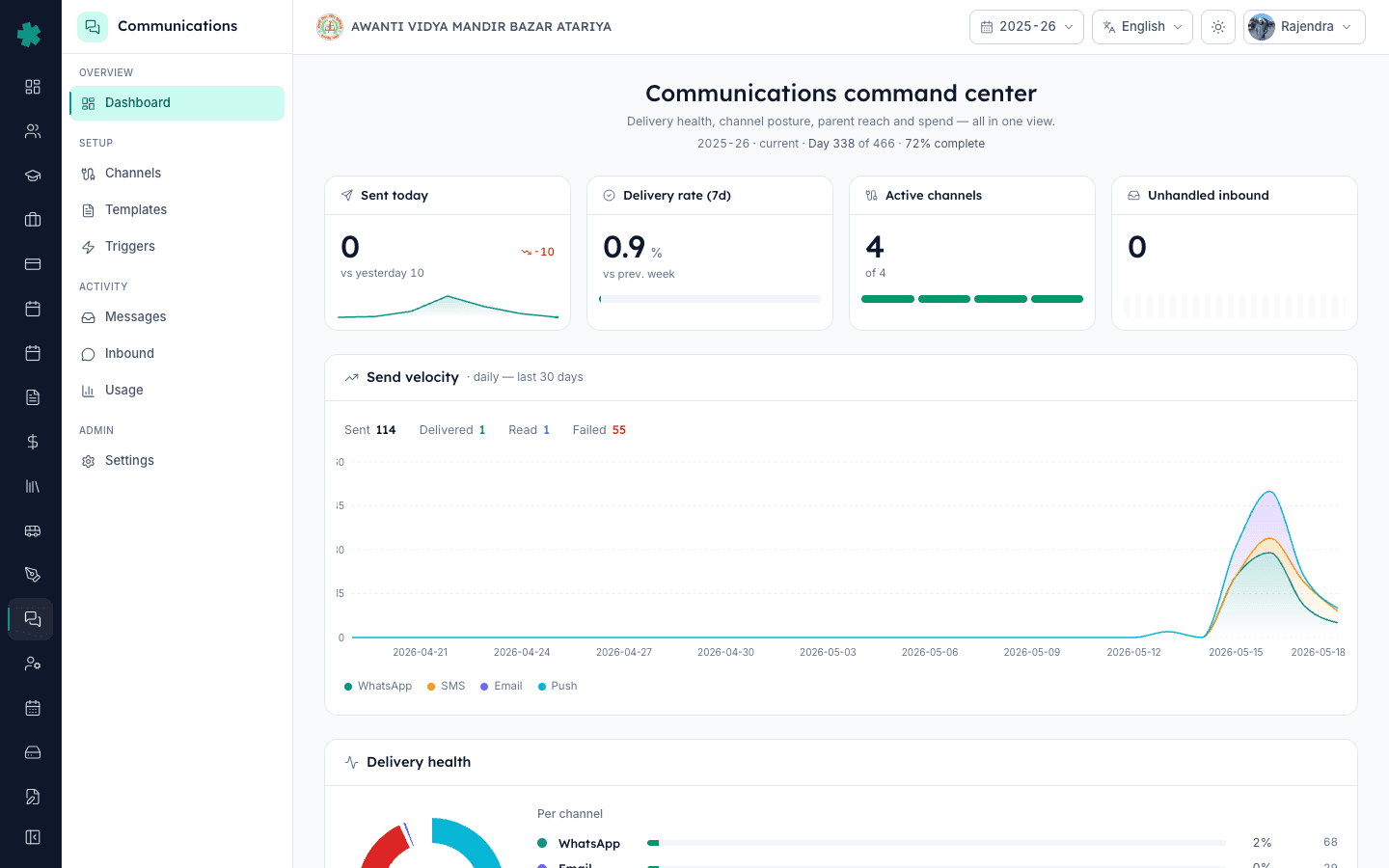
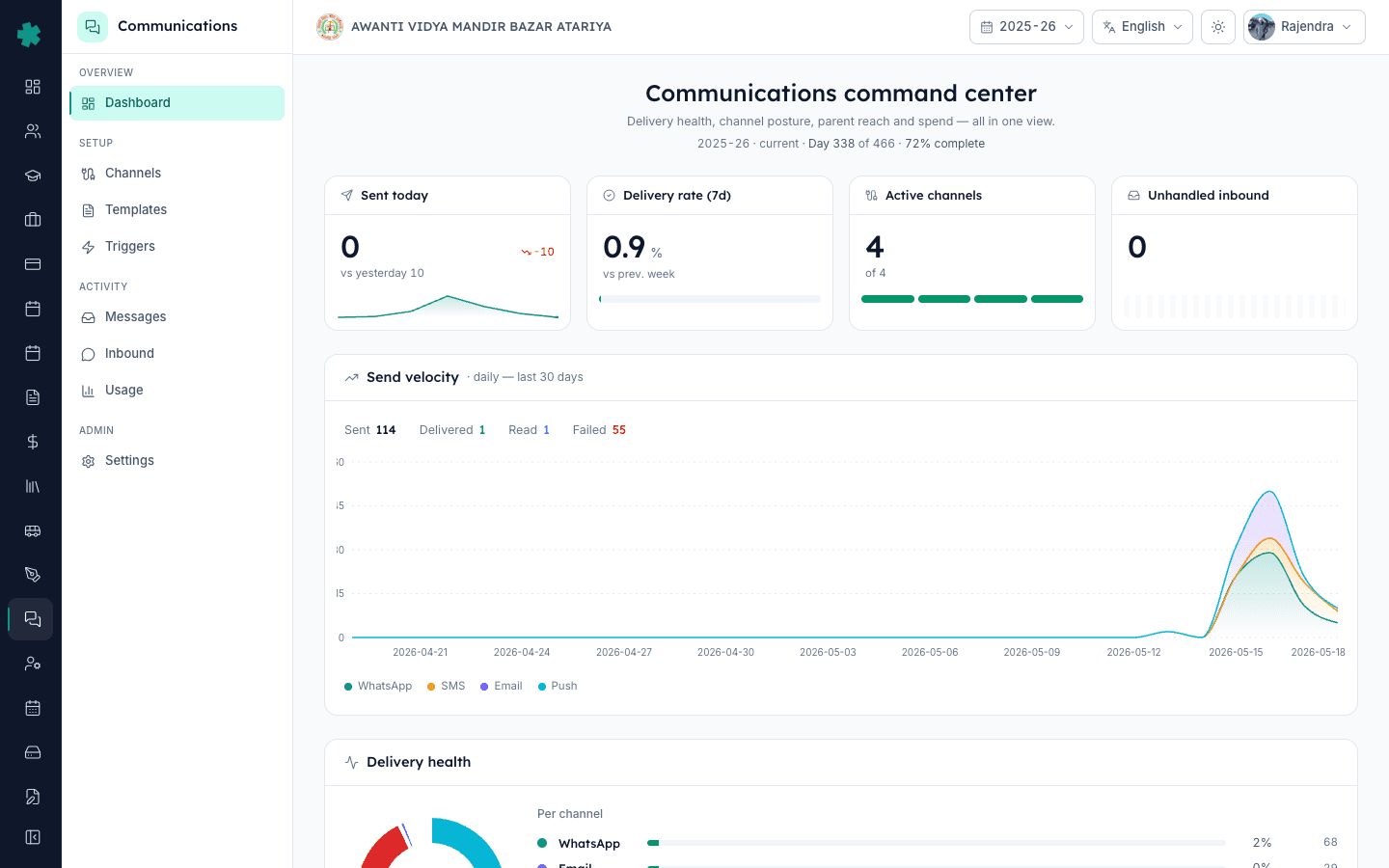
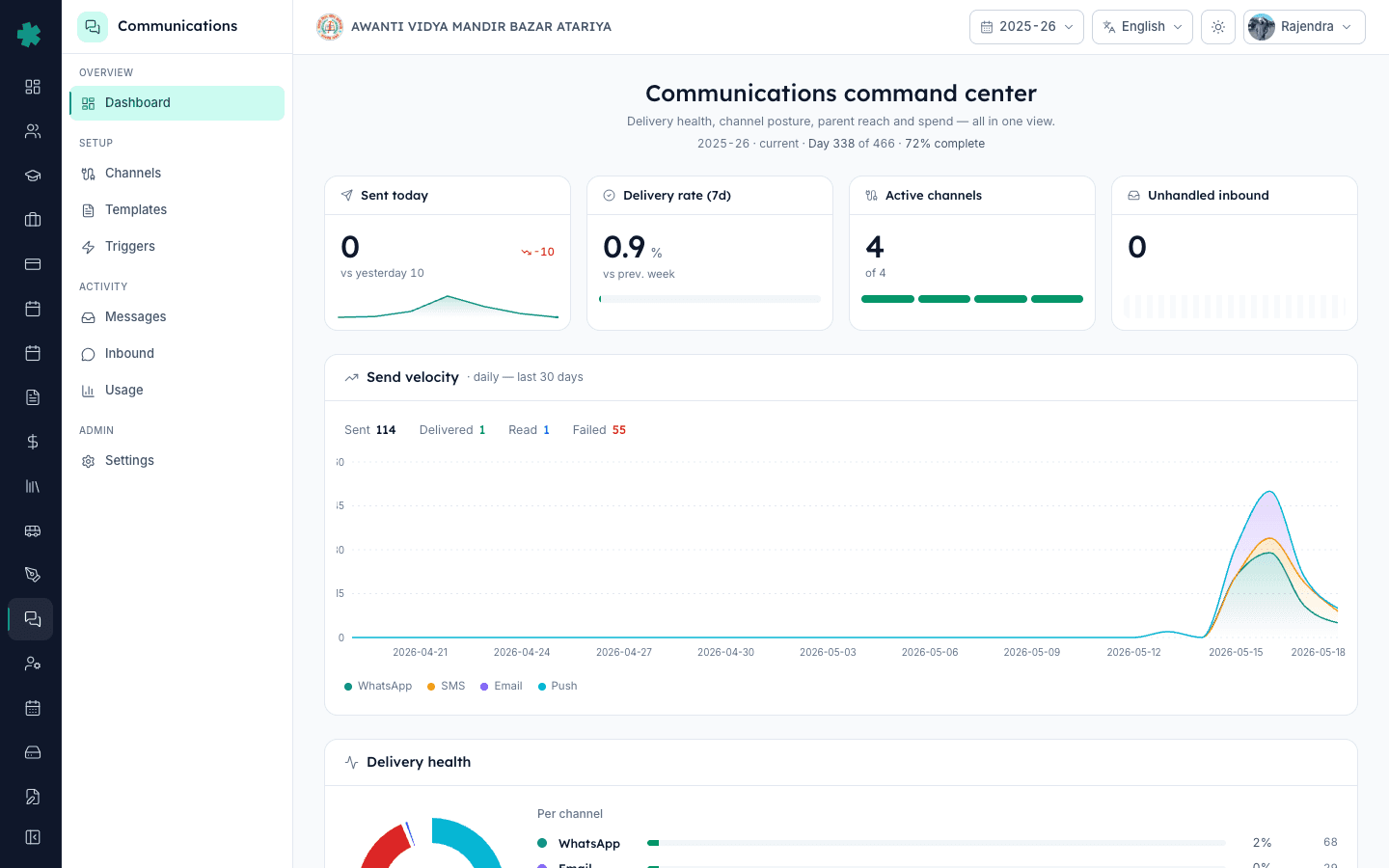
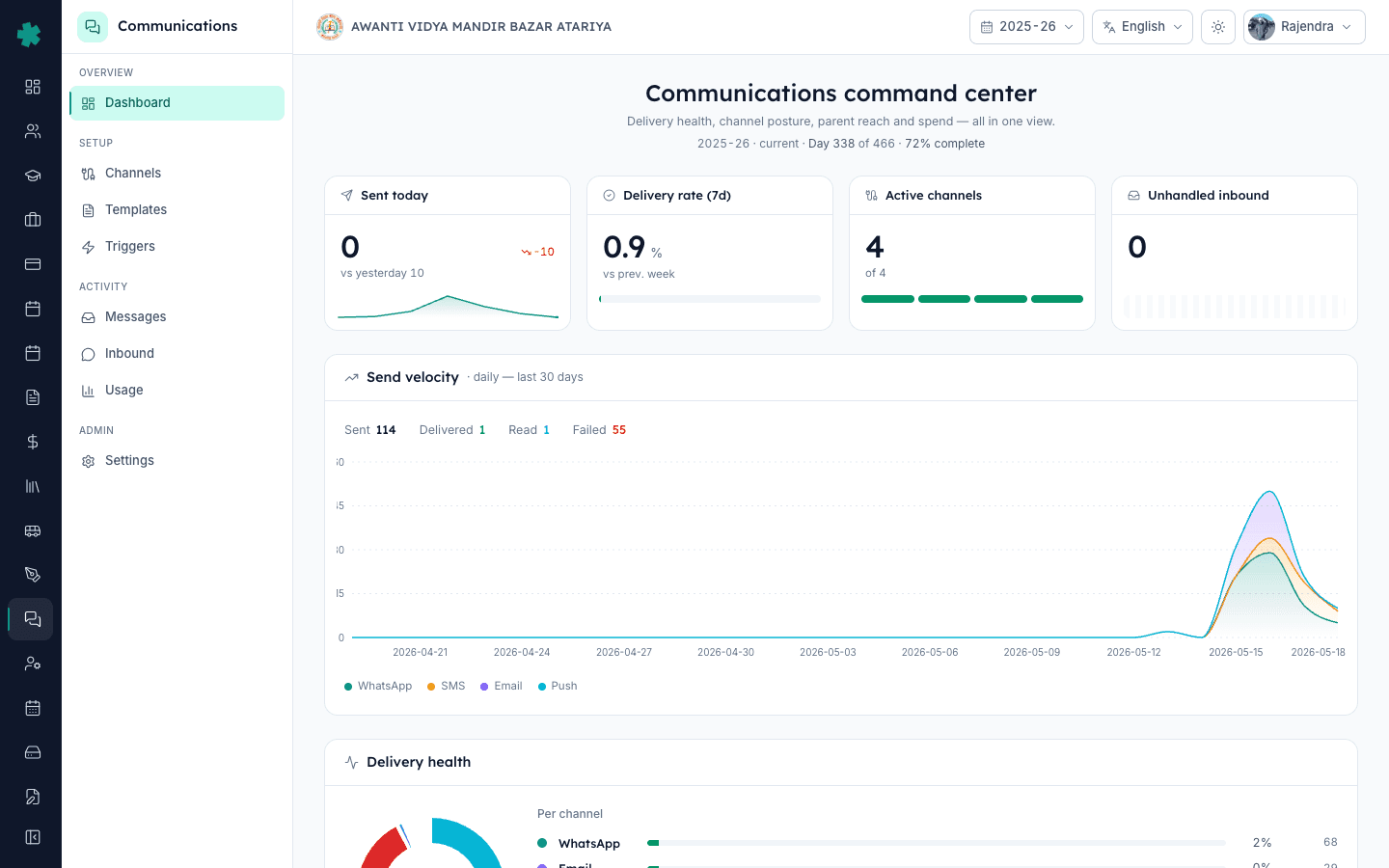
From the left navigation click Communications. The page opens on the four Hero KPIs (Sent today, Delivery rate 7d, Active channels, Unhandled inbound). Scroll past the Send velocity chart and Delivery health card. The Reach & consent card sits in the second row, on the right side. It loads in under two seconds for schools with fewer than 5,000 students.
2. Read the recipient count in the card header
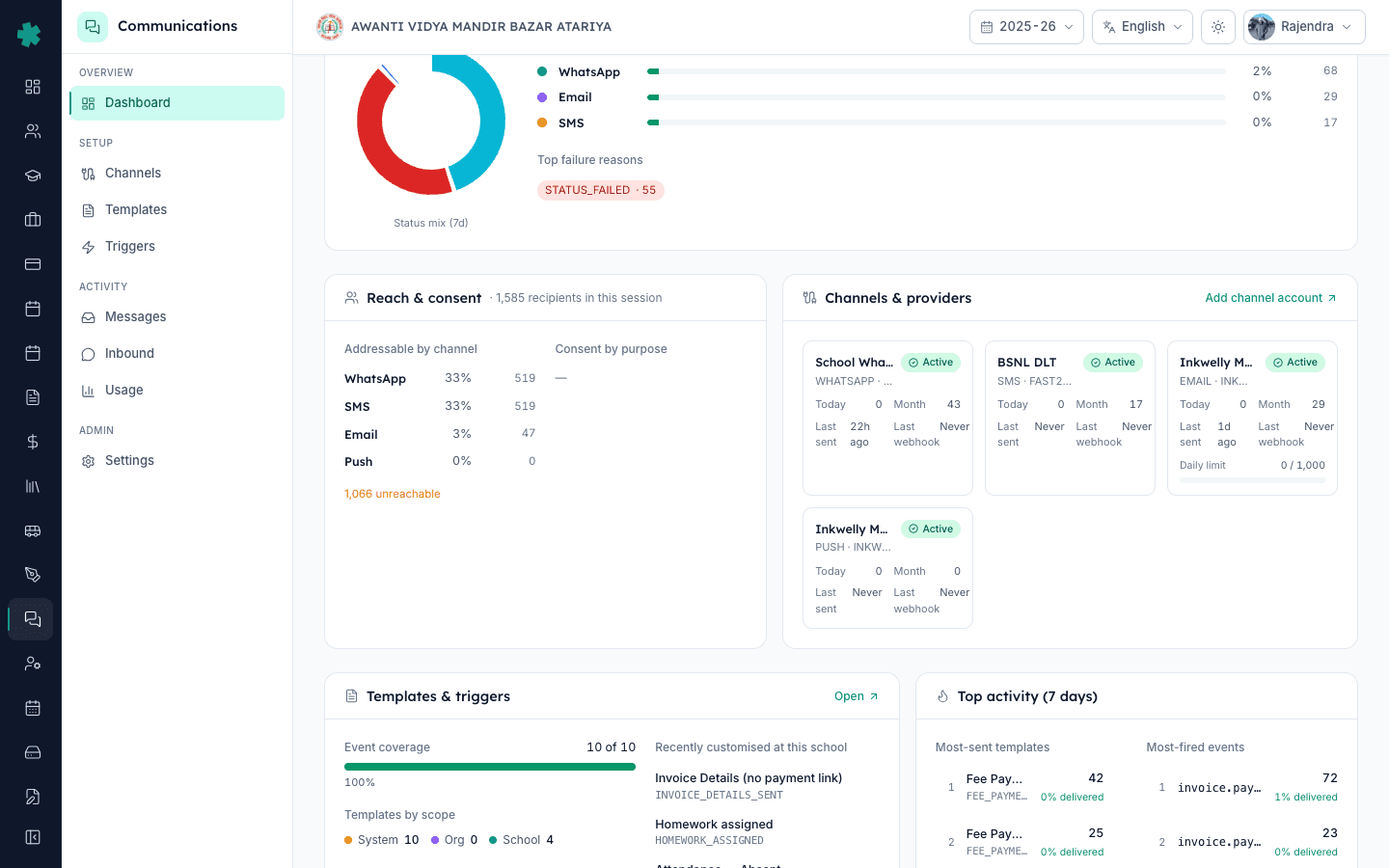
The card header shows a sentence like '1,585 recipients in this session'. This number is every parent record Inkwelly currently considers active in your school — usually one parent per student, sometimes two if you marked both father and mother. If this total looks off by more than 5%, the issue is in the Students module — duplicate or archived records are leaking into the active set. Fix that first, then come back to the reach card.
3. Read 'Addressable by channel' for the WhatsApp percentage
Under the recipient count, you will see four rows — WhatsApp, SMS, Email, Push — each with a percentage and an absolute count. A real school on day one looks like WhatsApp 33% (519), SMS 33% (519), Email 3% (47), Push 0% (0). The WhatsApp number is what matters for fee receipts and exam updates. Anything under 70% means most parents will not get the message even if you send it. The honest target before going live with paperless fee receipts is 90%.
4. Note the 'unreachable' count and what causes it
Directly below the channel breakdown, the card shows a single number like '1,066 unreachable'. These are parents whose record is in your active list but cannot receive any message on any channel — usually because the phone column is blank, the number is not a valid 10-digit Indian mobile, the parent opted out under TRAI rules, or the WhatsApp number is on a Meta block list. Click this number to export the list as a CSV — every row gives you the student name, class, parent name, and the exact reason the record is unreachable.
5. Check 'Consent by purpose' for opt-out drops
The sub-section 'Consent by purpose' splits parents by the type of message they have agreed to receive — Academic, Fee, Attendance, Marketing. For a typical CBSE school, Academic and Fee sit near 100% (mandatory), Attendance near 95%, Marketing around 40–60%. If Fee consent is below 90% you have a data-entry bug — Inkwelly never asks parents to opt out of fee receipts on registration. Fix the consent flags in the Students module.
6. Fix bad numbers in the Students module
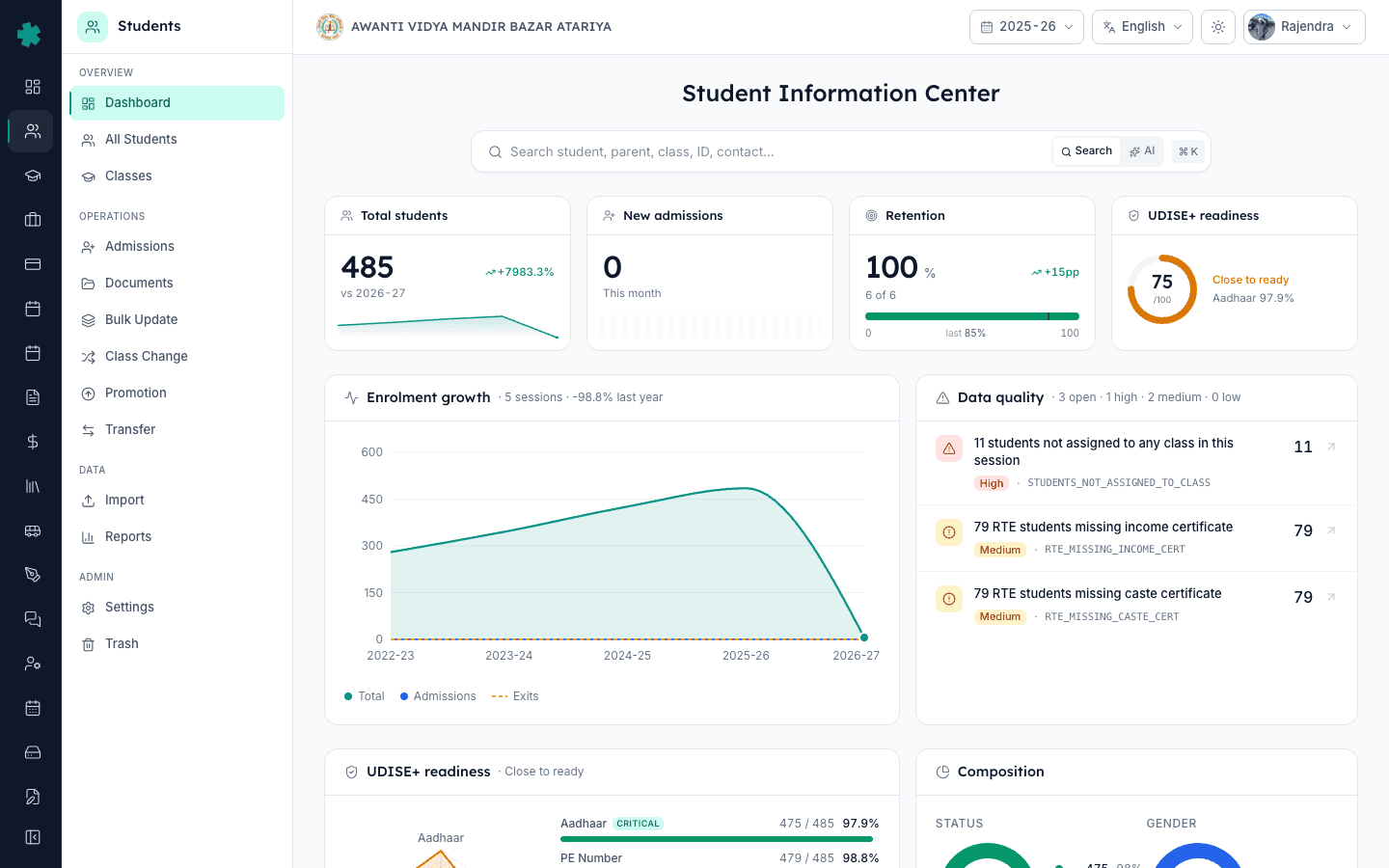
Open the Students module from the left navigation. Filter by 'unreachable on WhatsApp' (the CSV you exported earlier will give you the list). Pick the first 50 rows. Phone the class teacher or open the admission paperwork — the correct number is almost always there, just never copied into the system. Bulk-edit the phone column in batches of 50, save, and the Reach card recalculates within five minutes. Do not skip rows — the parent whose number you skipped is the one who will complain about a missed fee receipt.
7. Re-run the reach count weekly until you hit 90%
The first pass usually takes the school from 33% to 65% WhatsApp reach. The next two passes — calling parents whose number bounced, capturing new numbers at PTM — push it past 90%. Re-open the Reach card every Monday morning, compare the WhatsApp percentage to last week's, and stop only when you cross 90%. At that point you are safe to switch off paper fee receipts. Schools that try to switch at 70% reach lose three weeks to angry parents and roll back to paper.
Next steps — Once you cross 90% reach, two follow-ups protect the number. First, add a 'WhatsApp number verified' tick to the admission form so every new student starts the year with a valid number on file — the Students module supports per-field validation rules so the registrar cannot save a record with a non-mobile entry. Second, schedule the Reach card to be emailed to the Principal every Monday at 9am — Inkwelly has a built-in weekly digest under Settings → Communications → Digests. This catches the slow drift back from 92% to 85% that happens silently over a term as new admissions and transfers add bad rows.
See your real reach number live
Book a 25-minute demo and we will load your last student import into a sandbox so you see the Reach & consent card with your actual numbers, not screenshots.
Frequently asked
6 questionsWhat is a safe WhatsApp reach percentage to go paperless on fee receipts?
90% is the honest threshold. Below 70% you will face daily complaints; between 70% and 89% you risk a public failure during a fee deadline. At 90% or higher you can switch confidently and handle the remaining 10% manually.
Why is my WhatsApp reach lower than my SMS reach?
Many parents use feature phones without WhatsApp, or share a single WhatsApp account across the household. SMS reaches any 10-digit Indian mobile. Use SMS as a fallback channel under Settings → Communications → Channel preference until WhatsApp reach catches up.
Does the Reach card refresh in real time after I fix a number?
It recalculates within five minutes of any change in the Students module. There is no manual refresh button — Inkwelly pushes the update on a webhook and the card subscribes automatically.
What does 'unreachable' actually include?
Four cases — phone column blank, number not a valid 10-digit Indian mobile, parent has opted out under TRAI consent rules, or the WhatsApp number is on a Meta block list. The exported CSV labels each row with the exact reason.
Can I check reach for a single class or section instead of the whole school?
Yes. Use the recipient picker on the dashboard's class filter — pick the class first, the Reach card recalculates only for that segment. This is the right way to plan a class-specific drive before a PTM.
Will fixing numbers also fix Email reach automatically?
No. WhatsApp and Email use separate columns on the parent record. Most schools see Email reach at 3–10% because no one captured email at admission. Bulk-update both columns in the same pass if you plan to use Email as a fallback.
You might also like
3 readsSources & references
- TRAI Telecom Commercial Communications Customer Preference Regulations, 2018 · accessed 18 May 2026
Defines consent and opt-out rules that produce the 'opted out under TRAI' bucket in the Reach card's unreachable list.
- Meta WhatsApp Cloud API — opt-in and quality rules · accessed 18 May 2026
Reference for how Meta blocks WhatsApp delivery to numbers on its low-quality or block lists, which surface in the unreachable count.
See Inkwelly on your school
30-minute demo. We open your current ERP with you and load your data into Inkwelly on the call. Dated go-live plan by the end of it.