A homework app is only useful if the whole loop closes — assign, submit, grade, return homework
Most homework features stop at 'teacher posts a notice'. A real homework app closes the full loop — assign, submit, grade, return with feedback — without a teacher carrying notebooks home. This guide covers what to look for, how to test it, and what it costs in India.
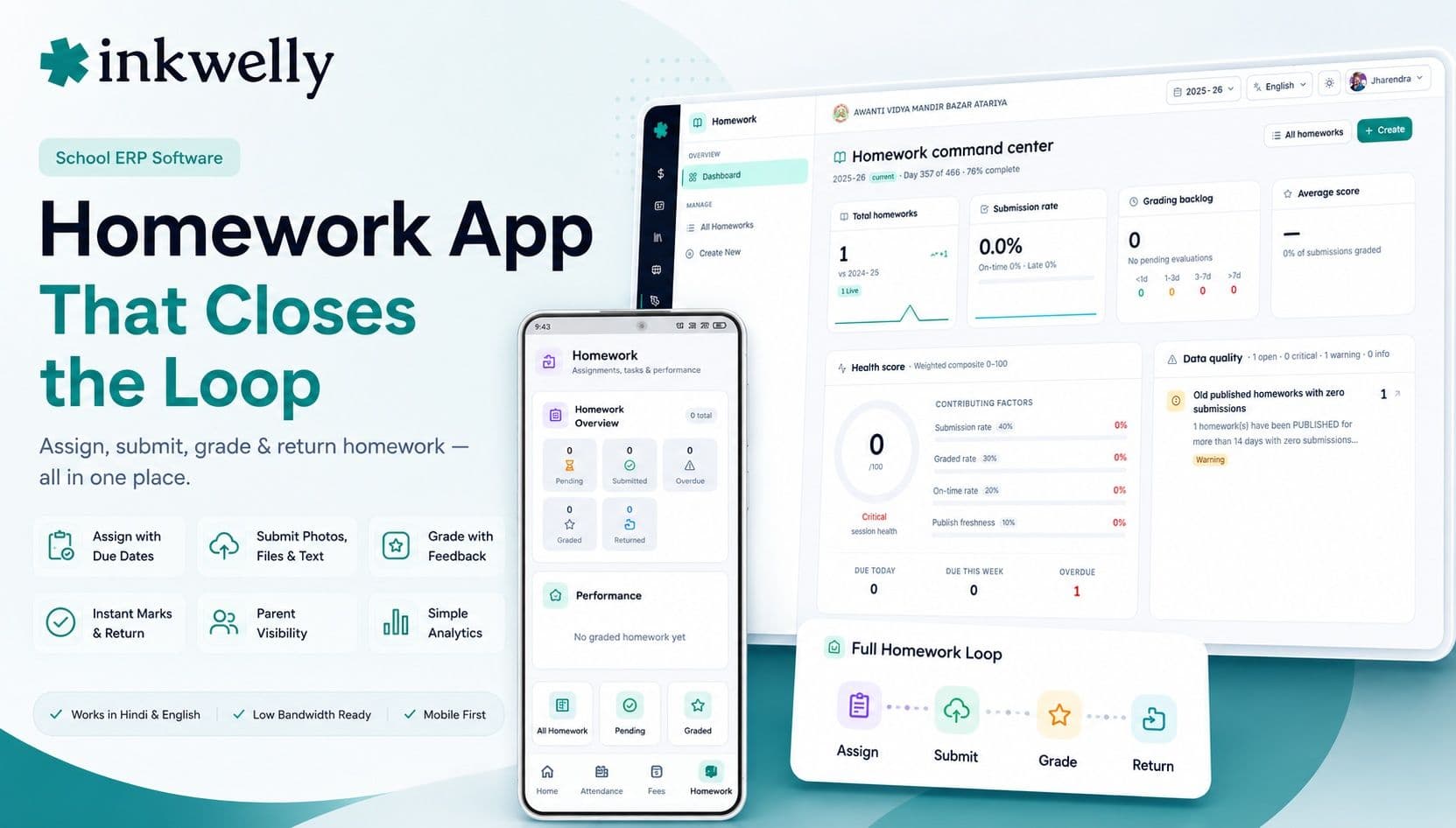
Most schools already 'have homework in the app'. Open it and you usually find a one-line notice: 'Maths — Q1 to Q5, page 42.' That's a noticeboard, not a homework system. The student still does the work in a notebook, the teacher still collects forty notebooks, grades them at home over the weekend, and hands them back on Wednesday — by which point the feedback is stale and half the class has moved on. A real homework app is judged by whether the loop closes: the assignment goes out, the student submits, the teacher grades and returns marks with feedback, and the parent can see it happened — all without anyone carrying a stack of notebooks anywhere.
The thesis: a homework app is only as useful as the part of the loop it actually closes. A noticeboard that only posts assignments saves nobody any work. The value appears when submission, grading and feedback live in the same place, so a teacher grades from a phone in spare minutes instead of an evening, and a parent sees that the homework was done and marked without asking the child.
What a real homework app does
A homework app serves three people — the teacher who sets and grades, the student who does and submits, and the parent who wants to know it happened. A weak app helps one of them. A strong app closes the loop for all three. Before comparing tools, be clear about everything the loop actually involves.
The full homework loop
- Teacher sets homework with a title, instructions, due date, marks and an attachment, to a class or a subject batch
- Students see what's due today and what's overdue, in one clean list
- Students submit a photo, a file or typed text — from a phone, the way Indian students actually work
- Teacher sees who submitted, who didn't, and grades each one with marks and written feedback
- Marks and feedback return to the student instantly, no notebooks exchanged
- Parents can see the homework was set, submitted and graded — transparency without nagging
- Simple analytics: submission rate, pending count, and which students are repeatedly missing work
The bar that separates a homework app from a noticeboard
The difference between a useful homework app and a glorified notice is almost entirely about the back half of the loop — submission and grading. Posting an assignment is easy; every app does it. Making grading fast enough that a teacher actually does it in the app is the hard part, and it's where most products quietly give up.
What a real homework app gets right
- Grading happens on a phone, submission by submission, without downloading files one at a time
- Submissions accept photos of handwritten work — most homework in India is still done by hand
- A teacher can grade a whole class's submissions in a single sitting, with feedback, in minutes
- Overdue and missing work is obvious to the teacher and the parent, not buried
- Homework reuses the same class and batch lists as attendance and marks — no re-entering students
- It works in Hindi and English, and loads on a weak connection
How to test a homework app
Don't judge a homework app by how the 'assign' screen looks — judge it by whether the loop closes. Here's the test:
-
Set one homework with an attachment. Time it. If setting homework takes more than a minute, teachers will go back to a one-line WhatsApp message.
-
Submit as a student — with a photo. Most Indian homework is handwritten. If a student can't submit a photo of their notebook page easily, the app doesn't fit how your students actually work.
-
Grade the whole class in one go. This is the real test. Open the submissions and grade each with a mark and feedback. If it means downloading each file separately, no teacher will do it twice.
-
Check what the parent sees. A parent should be able to confirm the homework was set, done and graded, without messaging the teacher. That transparency is half the reason schools buy a homework app.
-
Do it all in Hindi on a slow connection. Switch the language and throttle the network — the conditions your students and teachers actually use.
The tools you'll compare
Homework shows up in two kinds of product. Full school ERPs — Vidyalaya, Edunext, Entab CampusCare, MyClassboard, Fedena, Campus 365 — include a homework module alongside attendance, marks and fees, so a teacher works in one app. Teaching-first apps like Teachmint grew out of the classroom and often have a polished assignment flow. Neither label guarantees the loop closes. The deciding question is the same: can a teacher grade a full class's submissions from a phone, and can a parent see it happened, without anyone touching a notebook?
What it costs
A homework app almost never has its own price tag. It's part of the school ERP, billed per student per year (commonly ₹150–₹600) with the homework module included rather than charged separately. So a 1,000-student school pays roughly ₹1.5–6 lakh a year for the whole platform, homework included. The only homework-adjacent cost to watch is media storage if students upload large photos or files — a good platform compresses images automatically so this stays negligible. Be cautious of standalone homework apps that charge per student on top of an ERP you already pay for; you'll end up with two logins and double data entry.
Where Inkwelly fits
Inkwelly closes the whole loop. A teacher sets homework with a due date and attachment from the phone; students submit a photo, file or text; the teacher grades each submission with marks and feedback in one sitting; and the marks return instantly. Parents see that the homework was set, submitted and graded — transparency without messaging the teacher. It reuses the same class lists as attendance and marks, works in Hindi and English, and loads on a weak connection. See how it sits with the rest in our teacher app guide and school app guide.
“A homework app that only posts assignments has automated the easy half and left the hard half — grading and feedback — exactly where it was. The whole point is to close the loop, not to digitise the noticeboard.”
Decide by watching the notebooks
The honest test runs for one week. Give the homework app to two teachers and watch one thing: do the notebooks stop moving? If teachers grade in the app and stop carrying piles of notebooks home, the loop has closed and the app is doing its job. If the notebooks still travel, you've bought a noticeboard. Choose the app where grading actually happens, roll it out at the start of a term, and let the weekend notebook-piles go.
See the full homework loop close, live
A 20-minute walkthrough — assign, submit a photo, grade the whole class, return feedback — on a real dataset, in Hindi and English. No sales pitch.
Frequently asked
8 questionsWhat is the best homework app for schools in India?
The best homework app is the one that closes the full loop — assign, submit, grade and return feedback — not just one that posts assignments. Judge it by the grading flow: can a teacher grade a whole class's submissions from a phone with written feedback, in minutes? Test that directly with real teachers and students before choosing, rather than trusting the 'assign' screen in a demo.
What's the difference between a homework app and a noticeboard feature?
A noticeboard only posts the assignment — the student still uses a notebook and the teacher still collects and grades them by hand. A real homework app lets students submit (often a photo of handwritten work), lets the teacher grade and return marks with feedback in the app, and lets parents see it happened. The submission and grading half is what separates the two.
Can students submit handwritten homework in the app?
In a good homework app, yes — by photographing their notebook page and uploading it. Most homework in Indian schools is still done by hand, so photo submission is essential. If an app only accepts typed text or specific file types, it doesn't match how students actually work and submission rates stay low.
How should teachers grade homework in the app?
On a phone, one submission after another, with a mark and written feedback, without downloading each file separately. The whole point is that a teacher can grade a full class in spare minutes instead of carrying notebooks home for the weekend. If grading is slow or clumsy, teachers abandon it — so test the grading flow specifically.
Can parents see their child's homework and grades?
Yes, in a good app. Parents can see that homework was set, whether it was submitted, and the mark and feedback once graded — without messaging the teacher. That transparency reduces 'did you do your homework?' friction at home and is a major reason schools adopt a homework app.
Does a homework app cost extra on top of a school ERP?
It shouldn't. In a full school platform the homework module is included in the per-student-per-year price (commonly ₹150–₹600), not billed separately. Be wary of standalone homework apps charged per student on top of an ERP you already run — that means two logins and double data entry. The only minor cost is media storage, which a good platform keeps negligible by compressing uploads.
Should homework be a separate app or part of the school ERP?
Part of the school ERP is better. Homework that reuses the same class and batch lists as attendance and marks means no re-entering students, one login for the teacher, and grades that can flow toward report cards. A separate homework app creates a second silo the teacher has to maintain, which usually means it falls out of use.
How do I test a homework app before buying?
Run the full loop in one sitting: set a homework with an attachment, submit a photo as a student, grade the whole class with feedback as the teacher, and check what the parent sees — all in Hindi on a slow connection. Then watch for a week: if teachers stop carrying notebooks home, the loop has closed and the app works.
You might also like
4 readsSee Inkwelly on your school
30-minute demo. We open your current ERP with you and load your data into Inkwelly on the call. Dated go-live plan by the end of it.