Choosing Holistic Progress Card software teachers will actually use actually
The Holistic Progress Card moves schools from marks-out-of-100 to a 360-degree view of every child — and it lives or dies on whether teachers can record observations all year without overtime. This guide shows principals and exam coordinators what HPC software must do, how to pressure-test it in a demo, and what it really costs in India.
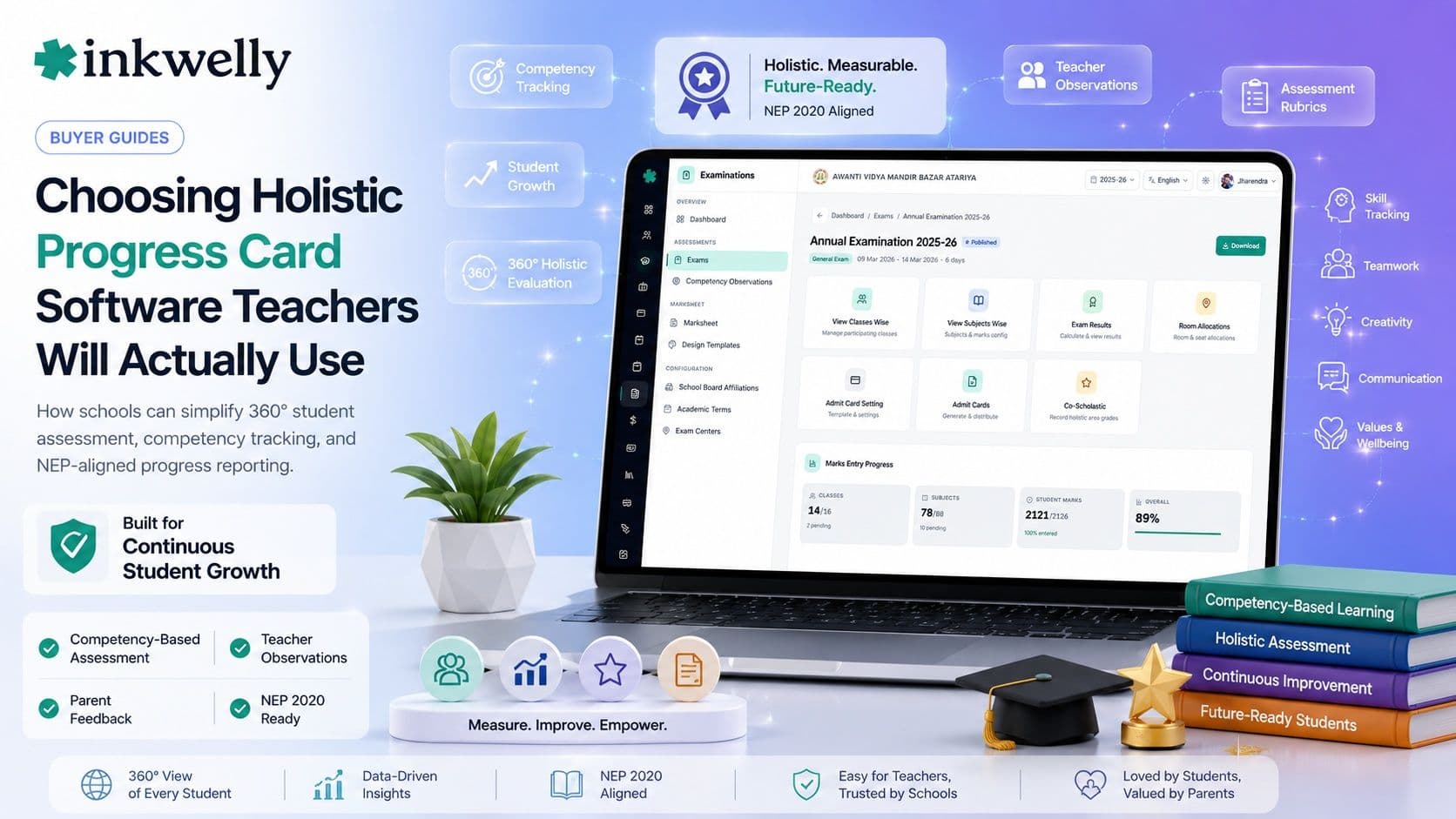
It is March in a CBSE school in Lucknow, and the exam coordinator is staring at a fresh circular. The board wants a Holistic Progress Card this year — not just marks out of 100, but a rounded picture of every child: how they work in a group, where they struggle, what they love, what a parent noticed at home. The school's old report-card software prints exactly one thing — a mark sheet. Now three teachers, the student, and the parent all have to feed a single card for 1,200 children, across four terms. The coordinator does the math, opens a blank spreadsheet, and quietly panics.
Here is the thesis of this guide: a Holistic Progress Card is not a new template you print once a year — it is a year-round data-collection problem. The software that survives the rollout is the one that lets ordinary teachers record observations in seconds, all term long, and then assembles the card automatically. Everything else turns HPC into unpaid overtime for your best teachers.
What a Holistic Progress Card actually needs
The Holistic Progress Card was introduced under the National Education Policy 2020 and designed by PARAKH, the national assessment body. It replaces a single marks-driven verdict with a 360-degree view of the learner — academic, social, emotional, and physical — built from many small inputs over the year rather than one exam week. More than 25,000 CBSE schools are expected to move to the HPC framework, and ICSE and several state boards are heading the same way. That reads beautifully in a policy document. In an office of 40 teachers and 1,500 students, it only works if the software carries the load. Before you look at any product, be clear about what an HPC genuinely demands:
What an HPC system must do
- Multi-rater input: the teacher, the student (self-assessment), peers, and parents each contribute to the same child's card — the system must gather all four without four separate files.
- Competency and descriptor-based grading, not just numbers: ratings like 'Beginner / Progressing / Proficient', skill tags, and free-text observations sit alongside any marks.
- Stage-specific formats: the Foundational Stage (ages 3–8) card looks nothing like the Middle Stage one — the tool needs different templates per stage, not one rigid layout stretched to fit.
- Year-round capture: observations are logged through the term on a phone, not back-filled the night before results — anytime, anywhere entry is the whole game.
- Activity and value tracking: sports, arts, clubs, attendance, and behaviour roll into the same card, so those records must live in the same system.
- Auto-assembly: once the inputs exist, the finished card generates itself per child, per term, with zero manual copy-paste.
- Bulk, branded output: 1,500 print- and share-ready cards in the school's own format, in one run, as PDFs and pushed to parents.
- Editable rubrics: the school or board changes descriptors most years — you must be able to edit the framework yourself, without raising a support ticket and waiting a week.
- Privacy by design: a child's emotional and behavioural notes are sensitive — access must be controlled by role, and the data should sit on Indian servers.
What separates a great tool from a generic one
Most report-card products can print marks. Very few were built for the messy reality of an Indian school adopting HPC mid-session. The gap between a great tool and a generic one shows up in the boring details. Can a class teacher mark 'progressing in teamwork' for 45 children from a phone during the lunch break, on patchy 3G, in under five minutes? Can the system hold a Hindi descriptor next to an English one for the same skill? Does the parent see a clean, jargon-free card on WhatsApp — or a confusing PDF nobody opens? Those questions decide whether HPC becomes a living record of the child or an annual fire-drill that everyone dreads.
How to choose: the demo test
You cannot judge HPC software from a feature list — every vendor now stamps 'NEP 2020 ready' on the brochure. Judge it from a live demo, with your own teachers in the room, against this test:
- Ask a teacher to log one observation on a phone. Hand a real class teacher a phone and ask them to record a competency rating plus a one-line note for one student. If it takes more than 30 seconds or needs a manual, your teachers will quietly abandon it by August.
- Generate one full card, live. Ask to see a single child's complete HPC — marks, descriptors, self-assessment, parent input, activities — assembled on screen, not a pre-baked sample PDF.
- Change a descriptor in front of you. Ask them to add a new skill or rename a rating. If only their support team can edit the rubric, you are renting their roadmap, not buying a tool.
- See the Foundational and Middle Stage cards side by side. They must look genuinely different. One template stretched across all ages means HPC was bolted on, not built.
- Bulk-generate for a whole class. Ask for 40 cards in one run, as branded PDFs. Watch how long it takes and how many clicks it costs.
- Push a card to a parent. See exactly what lands on the parent's phone — is it readable, in their language, on WhatsApp or the app?
- Ask where the data lives and who can see the behaviour notes. Indian servers, role-based access, and a straight answer — or walk away.
The options you'll run into
HPC software in India falls into a few camps, and it helps to know the names. Some are dedicated report-card and HPC specialists — Class ON, Vawsum, and Schoollog among them — that focus narrowly on assessment. Others are full school ERPs that have added an HPC or competency module on top of fees, attendance, and admissions — Entab, Vidyalaya, MyClassboard, Fedena, Teachmint, Campus 365, and Edunext are commonly shortlisted. A specialist may give you a richer card; an all-in-one means the marks, attendance, and activity data already live in one place, so the card assembles itself. Neither is automatically right — it depends on whether you want one more login or one less.
Pricing reality
What does it cost? For most Indian schools, school software lands between ₹100 and ₹500 per student per year, or a flat annual fee — anywhere from around ₹12,000 for a small school to several lakhs for a large multi-branch trust. An HPC or report-card module is sometimes bundled, sometimes a paid add-on, so ask explicitly. Watch three things that quietly inflate the bill: per-feature unlocks (HPC, the parent app, and WhatsApp each priced separately), one-time 'setup' or 'training' charges, and SMS or WhatsApp credits billed on top. A standalone HPC specialist tool can look cheap until you realise it does not talk to your fee or attendance system, and you end up paying twice. The honest number is the all-in annual cost for your student count, with HPC, the parent app, and messaging included — get that in writing before you compare.
Where Inkwelly fits
Inkwelly was built around exactly this problem: the work is in the daily capture, not the annual print. Our examinations and report-card engine supports descriptive and competency-based grading — ratings, skill tags, and free-text remarks — alongside traditional marks, so a school can shape a card to its board's HPC format instead of forcing children into a fixed layout. Because attendance, activities, and academics already live in the same system, much of the card assembles itself. Teachers record observations from the mobile app, parents receive the finished card on WhatsApp or in the app, and behaviour notes stay behind role-based access on Indian servers. We are honest about it: if you only want a marks-only mark sheet, almost anything works. If you want HPC that teachers actually keep up with, the daily-entry experience is the thing to test. See how to choose a school ERP for the full buyer checklist.
“An HPC is only as holistic as the data teachers can be bothered to enter. Make the daily entry effortless, and the card takes care of itself.”
Decide in two weeks
Here is how to decide without a three-month committee. Pick your two strongest shortlisted tools. Give each a single real class for two weeks: one class teacher, one subject teacher, 40 students, daily observations logged on a phone. At the end, generate the full HPC for those 40 children and show it to two parents. The tool whose entry screen the teachers stopped complaining about — and whose card the parents actually understood — is your answer. HPC rewards the boring, daily software, not the one with the prettiest brochure. Choose for the teacher's thumb, not the demo screen.
See HPC-ready report cards in your school's format
Book a free demo and bring a class teacher — we'll run the daily-entry test live, on a phone.
Frequently asked
8 questionsWhat is a Holistic Progress Card (HPC)?
A Holistic Progress Card is an NEP 2020 assessment format, designed by PARAKH, that replaces a marks-only report with a 360-degree view of a child — academic, social, emotional, and physical development. It combines teacher observations, student self-assessment, peer feedback, and parent input, collected through the year rather than in one exam.
Is the Holistic Progress Card mandatory for CBSE schools?
CBSE is rolling out the HPC framework under NEP 2020, starting with the Foundational Stage and expanding upward, and more than 25,000 schools are expected to adopt it. Check your latest board circular for the exact timeline for your grades, then make sure your software can produce the format your board specifies.
What should HPC software be able to do?
At minimum: collect input from teachers, students, peers and parents into one card; support descriptor and competency grading alongside marks; offer stage-specific templates; allow quick observation entry on a phone all year; auto-generate and bulk-print branded cards; and keep sensitive behaviour notes behind role-based access on Indian servers.
How much does HPC or report-card software cost in India?
Most school software costs ₹100–₹500 per student per year, or a flat fee from around ₹12,000 for small schools to several lakhs for large groups. HPC is sometimes bundled and sometimes a paid add-on — ask for the all-in annual price with HPC, the parent app, and messaging included before comparing vendors.
Should I buy a dedicated HPC tool or a full school ERP?
A dedicated HPC tool may offer a richer card, but it usually does not connect to your fees and attendance, so you maintain two systems. A full ERP keeps marks, attendance, and activity data in one place, so the card assembles itself. Choose based on whether you'd rather have one more login or one less.
How do we get teachers to actually use HPC software?
Make daily entry effortless. The card is generated once a term, but observations are logged hundreds of times — so test the teacher's entry screen on a mid-range Android phone, not just the finished PDF. If a class teacher can rate a child and add a note in under 30 seconds, adoption follows.
Can an HPC card be shown to parents in Hindi?
Good HPC software supports descriptors and labels in Hindi alongside English, and delivers a clean, jargon-free card to parents on WhatsApp or the app. Ask the vendor to show you exactly what a parent receives, in your medium of instruction, during the demo.
How long does it take to roll out HPC software?
Most schools can go live in two to three weeks once student data, the grading framework, and report templates are configured. The longer pole is teacher habit, not setup — run a two-week pilot with one class before committing the whole school.
You might also like
3 readsSee Inkwelly on your school
30-minute demo. We open your current ERP with you and load your data into Inkwelly on the call. Dated go-live plan by the end of it.