Building the timetable is the easy half — handling the daily substitution is the test timetable
Most timetable software sells on auto-generation, but a school's real pain is the daily scramble when a teacher is absent. The right timetable software builds a clash-free schedule and then makes substitutions a two-minute job. This guide covers what to look for, how to test it, and what it costs in India.
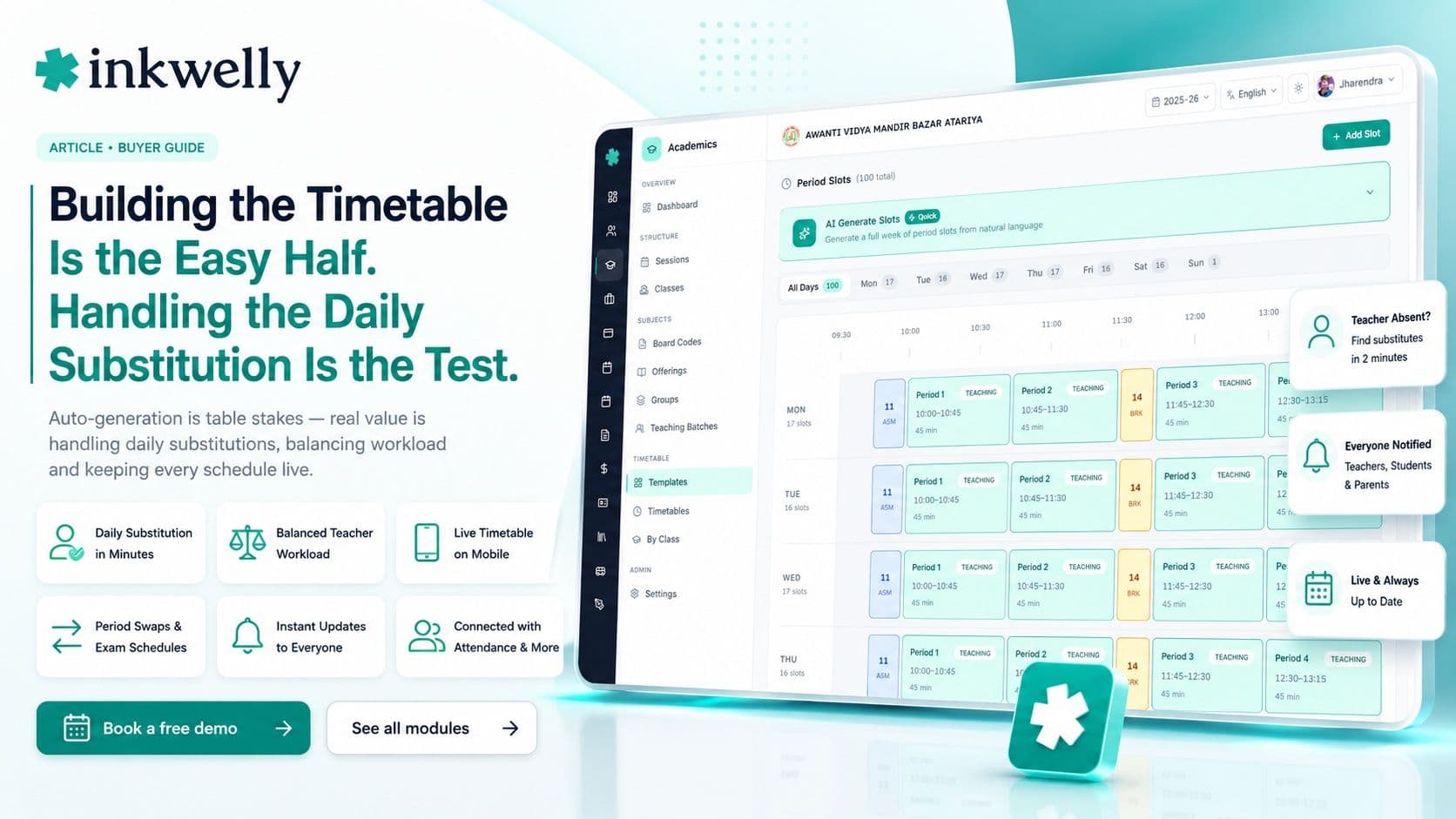
Every Indian school remembers the August week when the new timetable is built. A senior teacher and the vice-principal sit with a giant grid, coloured markers and a stack of constraints — this teacher can't take two periods back to back, that lab is only free on Tuesdays, the PT periods must avoid the lunch break — and they shuffle slips of paper for three days until nothing clashes. But that one-time pain is not the real problem. The real problem is 8:05 the next morning, when a teacher calls in sick and someone has to find a free teacher for each of her six periods, today, before the bell. Timetable software is sold on building the grid; it earns its money on the morning substitution.
The thesis: auto-generating a clash-free timetable is table stakes — almost every tool now does it. The real value is everything around the grid: handling daily substitutions in minutes, balancing teacher workload fairly, showing each teacher and student their own schedule on a phone, and adjusting when reality changes. Judge timetable software by how it handles an absent teacher on a Tuesday morning, not by how fast it generates the grid in August.
What timetable software must actually do
A timetable is a living thing, not a poster printed once a year. It changes the moment a teacher is absent, a period is swapped, or an exam takes over the hall. Good timetable software treats the grid as something that updates daily and flows to everyone automatically. Before comparing tools, be clear about the full scope — generation is only the first day.
The full scope of timetable software
- Generate a clash-free timetable from your constraints — teacher availability, subject load, room and lab limits
- Respect real rules: no teacher double-booked, balanced periods per day, lab and special-room constraints
- Handle daily substitutions — find a free teacher for an absent colleague's periods in minutes
- Balance teacher workload fairly, so no one quietly ends up with all the back-to-back periods
- Show each teacher and student their own timetable on the phone, updated live
- Manage period swaps, special schedules and exam-day timetables without rebuilding from scratch
- Push changes to the parent and student app the moment they happen — no stale printed copy
- Connect to attendance and lesson-plan coverage, so the schedule drives the rest of the day
The bar that separates timetable software from a grid generator
The difference between real timetable software and a one-time grid generator is what happens after day one. A generator hands you a clean grid in August and leaves you to manage every change by hand for the rest of the year. Real software keeps the timetable live — substitutions, swaps and exam days all flow through it, and everyone sees their current schedule without anyone reprinting anything.
What real timetable software gets right
- Daily substitution is a two-minute job — the software suggests free teachers, you confirm, everyone is notified
- The timetable lives on every teacher's and student's phone, always current
- Teacher workload is visible and balanced, not discovered to be lopsided mid-term
- Period swaps and exam-day schedules adjust the grid without a full regeneration
- Changes reach parents and students instantly, so nobody turns up to a cancelled period
- It shares teacher, class and subject data with the rest of the school — no separate setup
How to test timetable software
Don't judge timetable software by how impressively it auto-generates — judge it by how it handles change. Here's the test:
-
Generate a timetable from your real constraints. Feed in your actual teacher availability, lab limits and subject load. A demo with toy data proves nothing; your constraints are where generators struggle.
-
Mark a teacher absent and cover their day. This is the real test. The software should suggest free teachers for each of that teacher's periods and let you assign substitutes in minutes, then notify everyone.
-
Check teacher workload balance. Look at whether periods are distributed fairly or whether one teacher quietly has six in a row. Software that can't show load balance creates staffroom resentment.
-
Swap two periods and see who finds out. Change a period and confirm that the affected teachers, students and parents see the update on their phones — not a reprinted sheet on a noticeboard.
-
Build an exam-day timetable. Exam days break the normal grid. If the software can't model a special schedule without rebuilding everything, you'll be back to paper during exams.
The tools you'll compare
Timetable capability comes in two shapes. Dedicated timetable generators — standalone tools focused on producing a clash-free grid — are strong at generation but don't know your teachers' attendance or push schedules to a parent app. Full school ERPs — Vidyalaya, Edunext, Entab CampusCare, MyClassboard, Fedena — include a timetable module that shares teacher, class and subject data with attendance and the parent app, so substitutions connect to who's actually absent. The deciding question is whether the timetable handles the daily substitution and reaches everyone's phone, or whether it only produces a grid you then manage by hand all year.
What it costs
Dedicated timetable generators are sometimes sold as a one-time purchase or a modest annual licence, which looks cheap — but they solve only the August generation, leaving the year's substitutions and changes manual. In a school ERP, the timetable module is part of the per-student-per-year price (commonly ₹150–₹600 per student), so a 1,000-student school pays roughly ₹1.5–6 lakh a year for the whole platform with timetable, attendance and the parent app included. The real cost isn't the licence; it's the daily time the office spends arranging substitutions when the timetable can't, and the confusion when changes don't reach teachers and parents.
Where Inkwelly fits
Inkwelly's timetable lives inside the same platform as staff attendance and the parent app, so the grid is never a stale poster. It generates a clash-free schedule from your constraints, then makes the daily substitution a two-minute job — suggesting free teachers when a colleague is absent and notifying everyone affected. Each teacher and student sees their own live timetable on the phone, period swaps and exam-day schedules adjust without a rebuild, and it feeds lesson-plan coverage so the schedule drives the teaching day. See how it fits in our school app guide and ERP checklist.
“Any tool can print a clean timetable in August. The one worth paying for is the one that finds a substitute teacher at 8:05 on a Tuesday and tells everyone before the bell rings.”
Decide on a real Tuesday morning
The honest test isn't the August grid — it's a normal day with an absent teacher. Generate your real timetable, then simulate a teacher calling in sick and watch how long it takes to cover her periods and notify everyone. If the daily substitution drops from a frantic office scramble to a two-minute task, the software is doing the job that matters. Roll it out at the start of an academic year so the whole year's schedule lives in one place, and let the coloured markers go.
See a same-morning substitution handled live
A 20-minute walkthrough — generate a clash-free grid, then cover an absent teacher's whole day in minutes — on a real dataset. No sales pitch.
Frequently asked
8 questionsWhat is the best automatic timetable software for schools in India?
The best timetable software does more than auto-generate a clash-free grid — it handles the daily substitution when a teacher is absent, balances teacher workload, and shows everyone their live schedule on the phone. Auto-generation is now standard; judge the software on how it handles an absent teacher on a normal morning, because that's the job a school does every day.
Can timetable software generate a clash-free timetable automatically?
Yes — most timetable software now auto-generates a clash-free grid from your constraints: teacher availability, subject load, and room or lab limits. But generation is table stakes. The thing that varies is whether it then keeps the timetable live through substitutions, swaps and exam days, or hands you a static grid you manage by hand for the rest of the year.
How does timetable software handle a teacher being absent?
Good timetable software turns the daily substitution into a two-minute job: when a teacher is marked absent, it suggests free teachers for each of her periods, lets you assign substitutes, and notifies the affected teachers, students and parents automatically. This morning-substitution flow is the single most important thing to test, because it's the real daily pain, not the once-a-year grid generation.
Should timetable software be standalone or part of the school ERP?
Part of the school ERP is usually better. When the timetable shares teacher, class and subject data with attendance and the parent app, substitutions connect to who is actually absent and changes reach everyone's phone instantly. A standalone generator produces a strong grid but doesn't know your attendance or push schedules to parents — so every change becomes manual.
Can teachers and students see their timetable on a phone?
In a good system, yes — each teacher and student sees their own timetable on the app, updated live when anything changes. That means a swapped or substituted period reaches them immediately, instead of relying on a reprinted sheet on a noticeboard. If the timetable only exists as a printout, every change creates confusion.
How is timetable software priced in India?
Dedicated timetable generators are sometimes a one-time purchase or a small annual licence, but they only solve the August generation. In a school ERP, the timetable module is included in the per-student-per-year price (commonly ₹150–₹600 per student) with attendance and the parent app. The real cost is the daily office time spent arranging substitutions when the software can't — price that, not just the licence.
Does timetable software handle exam-day and special schedules?
The better ones do. Exam days and special events break the normal grid, and good software lets you model a one-off schedule without rebuilding the whole timetable. If a tool can't handle exam-day timetables cleanly, schools fall back to paper exactly when accuracy matters most. Test building an exam-day schedule before you buy.
How do I test timetable software before buying?
Generate a timetable from your real constraints, then mark a teacher absent and arrange cover for all her periods live, checking how fast it suggests substitutes and notifies everyone. Look at teacher workload balance, swap two periods and confirm the change reaches phones, and build an exam-day schedule. If the daily substitution becomes a two-minute task, the software is doing the job that matters.
You might also like
4 readsSee Inkwelly on your school
30-minute demo. We open your current ERP with you and load your data into Inkwelly on the call. Dated go-live plan by the end of it.